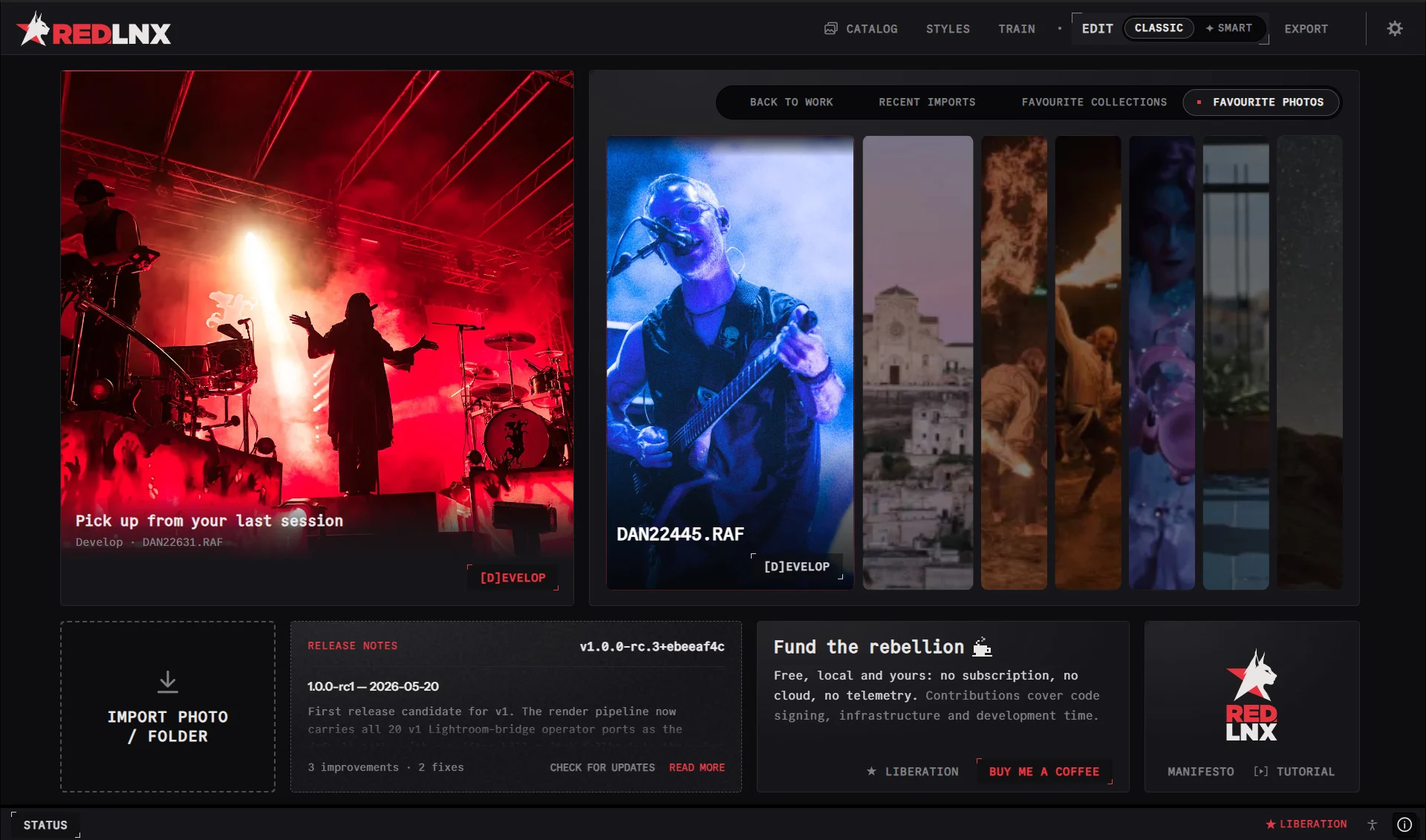
Start from the Console.
Resume your last RAW where you left off, browse recent imports or favourite shots, drop a folder straight in, and check your local Liberation counter.

One fast desktop suite for everything after a shoot: catalog, smart cull, Smart & Classic RAW develop, AI masks, retouch, sensor denoise, panorama & HDR merge, and an Alter-Ego that edits in your style. Runs locally, translated into 22 languages.
Free. Really.
Same complete app for everyone.
No feature tiers, no per-photo credits. If it saves you hours, chip in €10 on Ko-fi .
Photographers end up paying three or four subscriptions just to get from memory card to client delivery: one tool for cataloging and RAWs, another for AI culling and batch editing, another for high-ISO denoise, another for cleanup. RedLnx puts all of it in one native desktop suite, already translated into 22 languages.
Resume your last RAW where you left off, browse recent imports or favourite shots, drop a folder straight in, and check your local Liberation counter.
Built in Rust on native GPU (wgpu on DirectX 12, Vulkan and Metal) and tested on hundreds of thousands of photos so real archives actually stay fast. Import your Lightroom Classic .lrcat catalog and XMP sidecars, keep them in sync while you switch over, and stay on your own drives.
Supported adjustments carry across; because rendering engines differ, we make compatibility limits explicit. Read the migration notes ↗
DirectX 12, Vulkan and Metal acceleration, GPU-banded Bayer RCD demosaicing and CPU fallback.
Next RAW prefetches while you edit; memory-aware VRAM banding handles huge files without crashing.
Battle-tested on hundreds of thousands of photos: timeline jumps, offline CLIP search, Smart Cull and multi-drive safety in 22 languages.
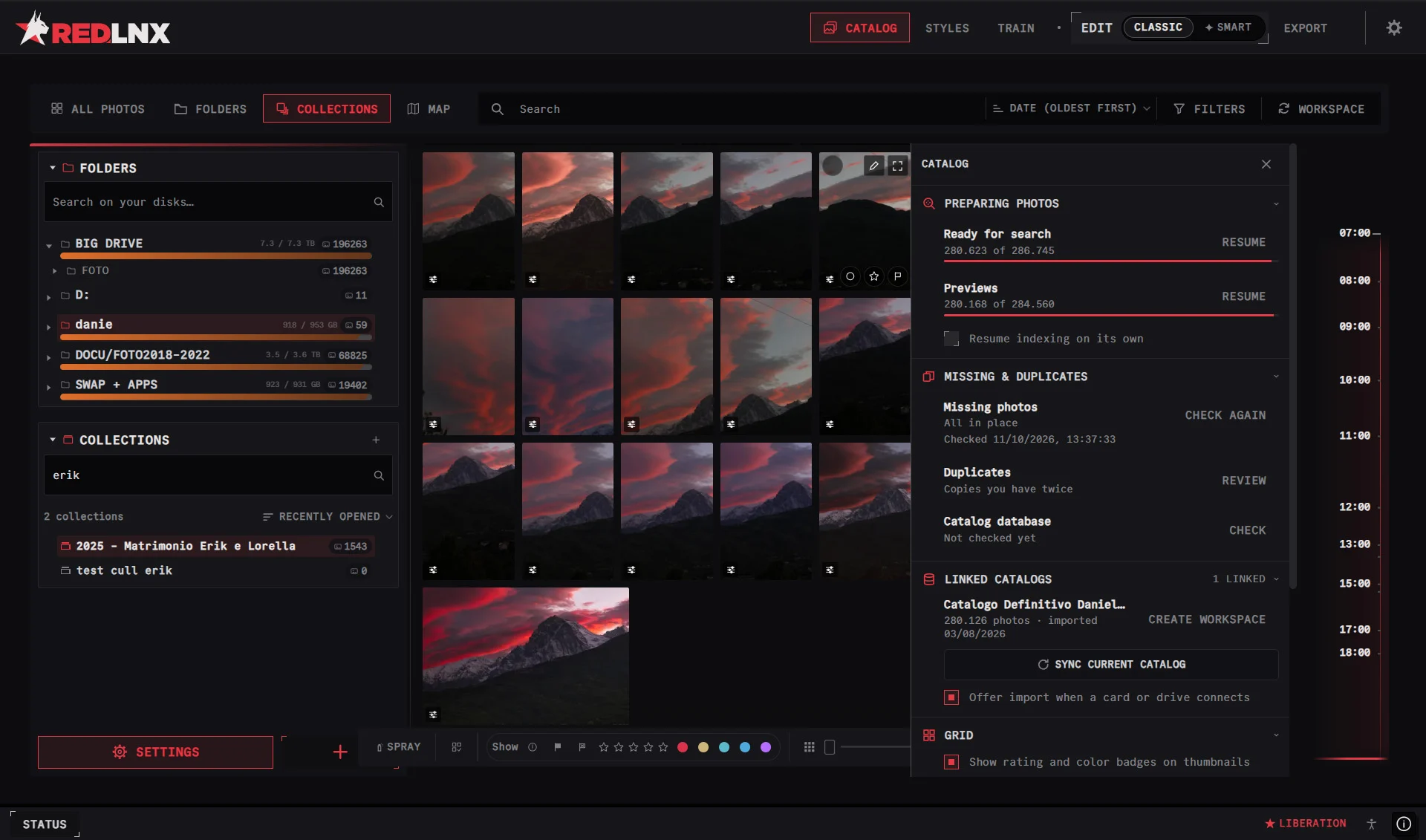
Local CLIP search finds frames by what is actually in the picture, without uploading a single thumbnail to a server. Combine semantic search with camera, lens, ISO, ratings and dates, plus Smart Cull to catch closed eyes and weak frames locally before you edit.
Switch between grid, quick loupe viewer, camera/lens/ISO smart filters and a bundled offline map with GeoNames place search and drag-and-drop geotagging.
Link your .lrcat catalog and re-sync non-destructively while you transition. Offline NAS drives and backup disks stay browsable via lightweight previews; Missing Photos and Duplicates find moved folders and copies across drives without ever deleting anything behind your back.
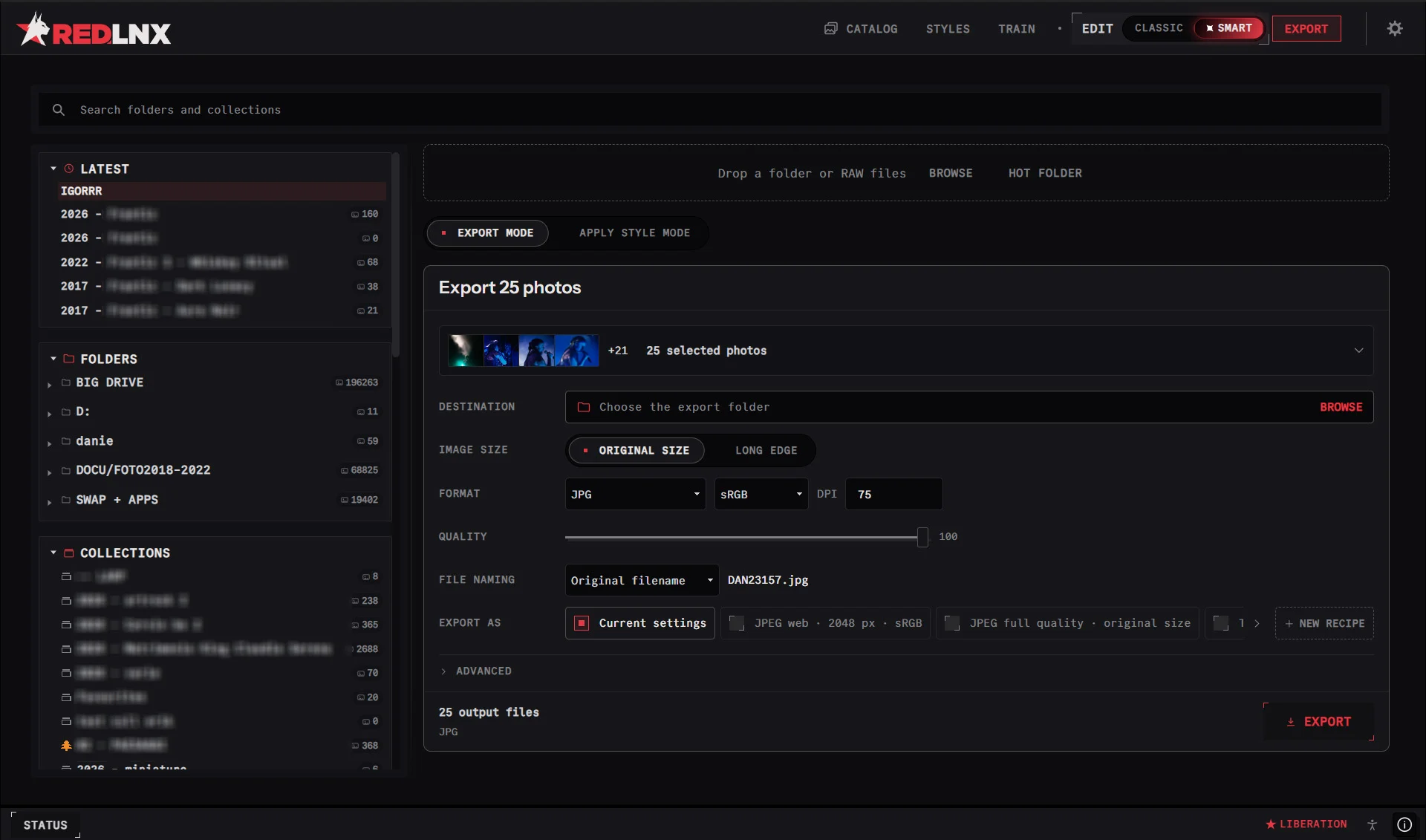
Switch between Export Mode and Apply Style Mode, run multiple output recipes in a single pass (web + full-res + 16-bit TIFF print, JPEG/WebP/AVIF/PNG/TIFF), watch a Hot Folder, or apply multi-layer text/PNG watermarks with automatic ink contrast.
Neural Sensor Denoise runs directly on raw sensor data before demosaicing, for both Bayer and fine-tuned Fujifilm X-Trans. Pick TreeNet for peak detail or Ansel for faster runs on lighter hardware, or batch-process folders in the background.
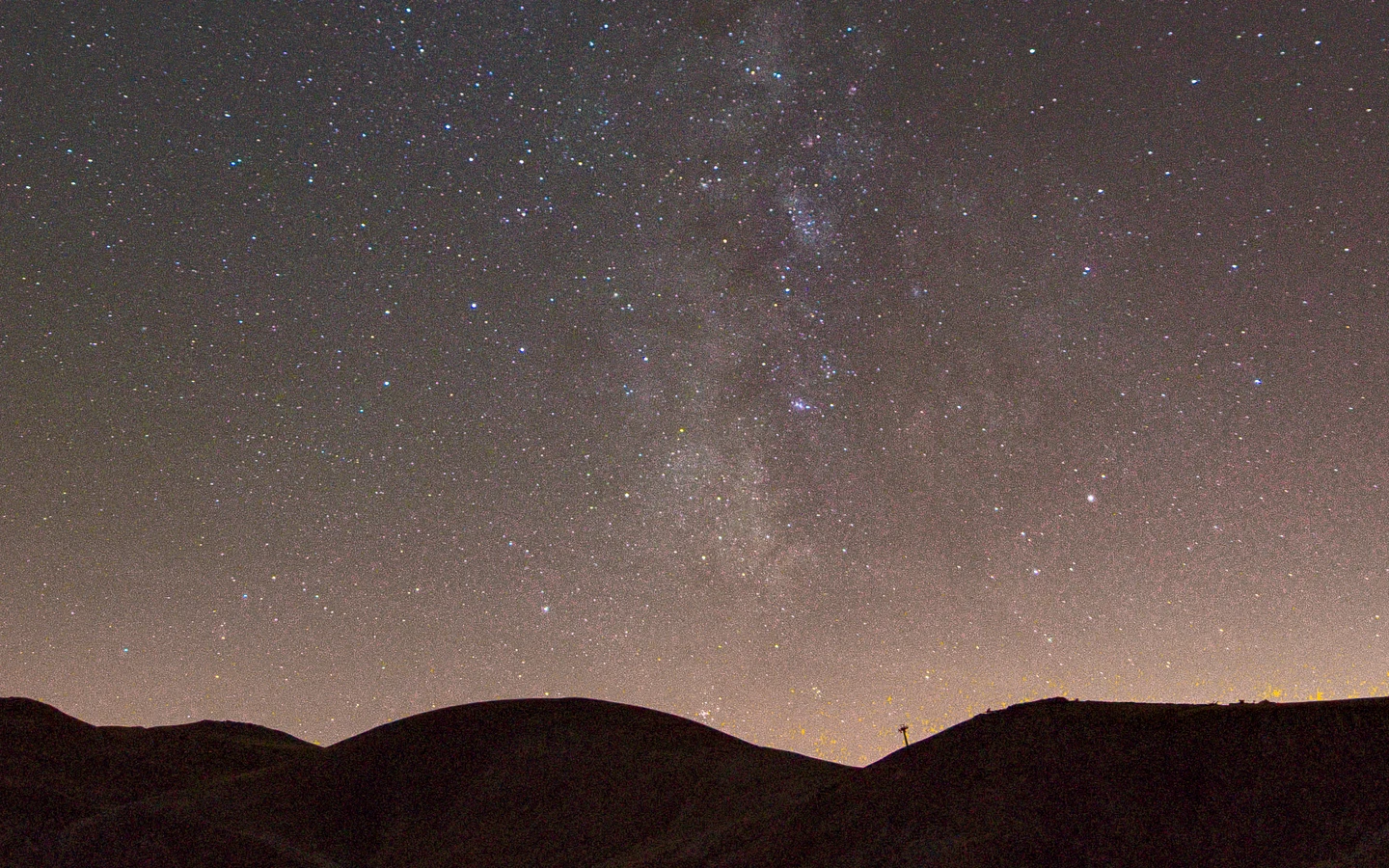
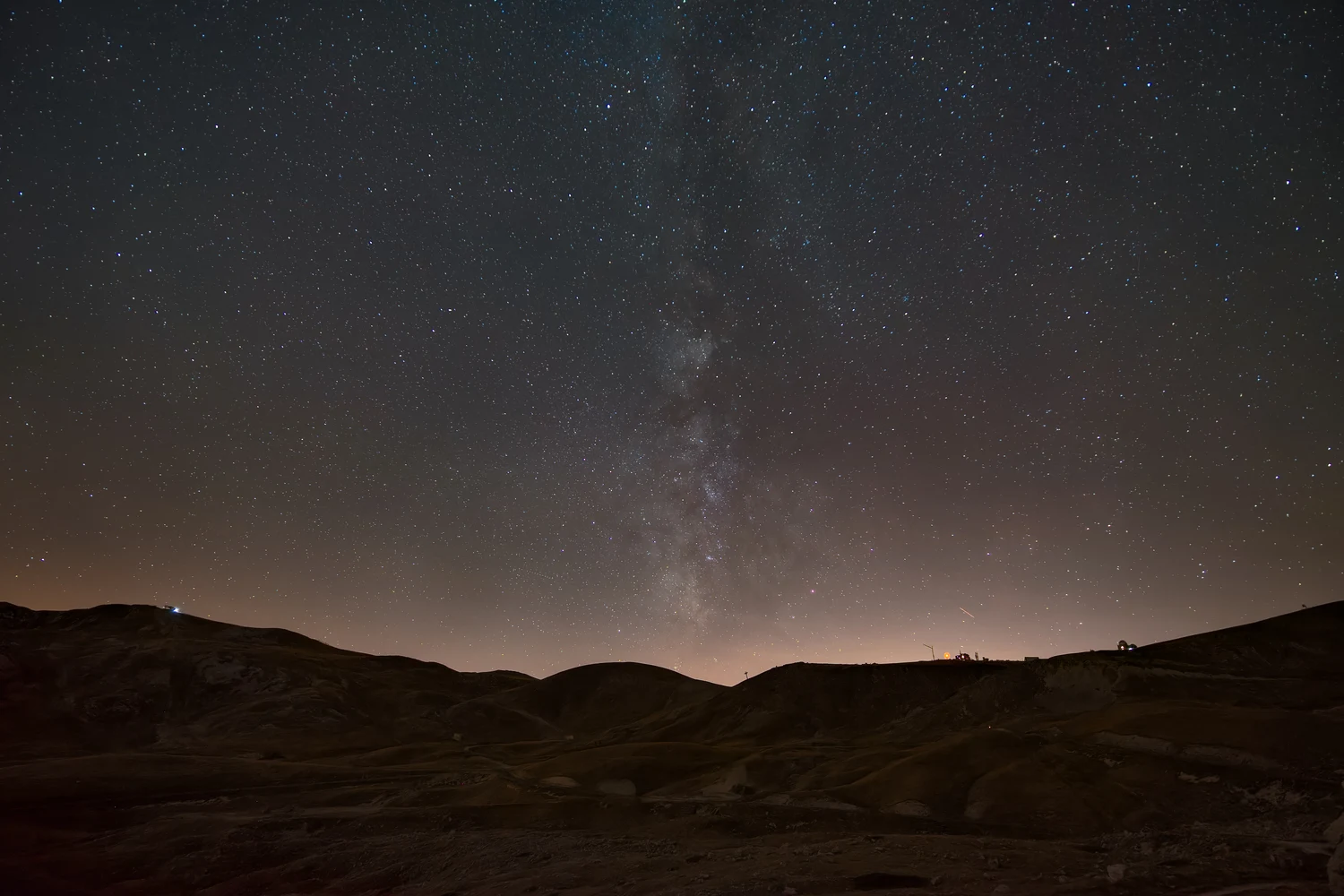
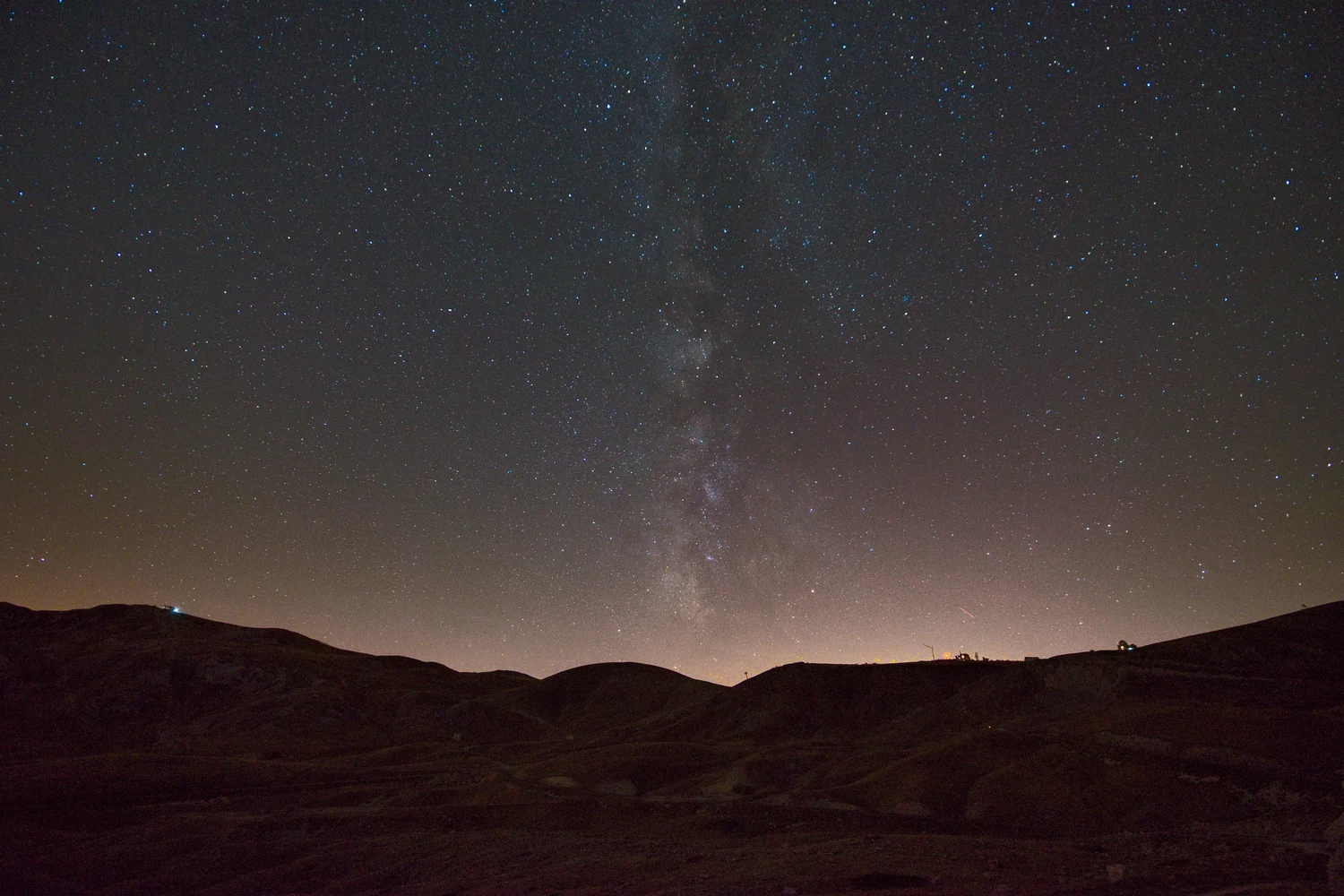
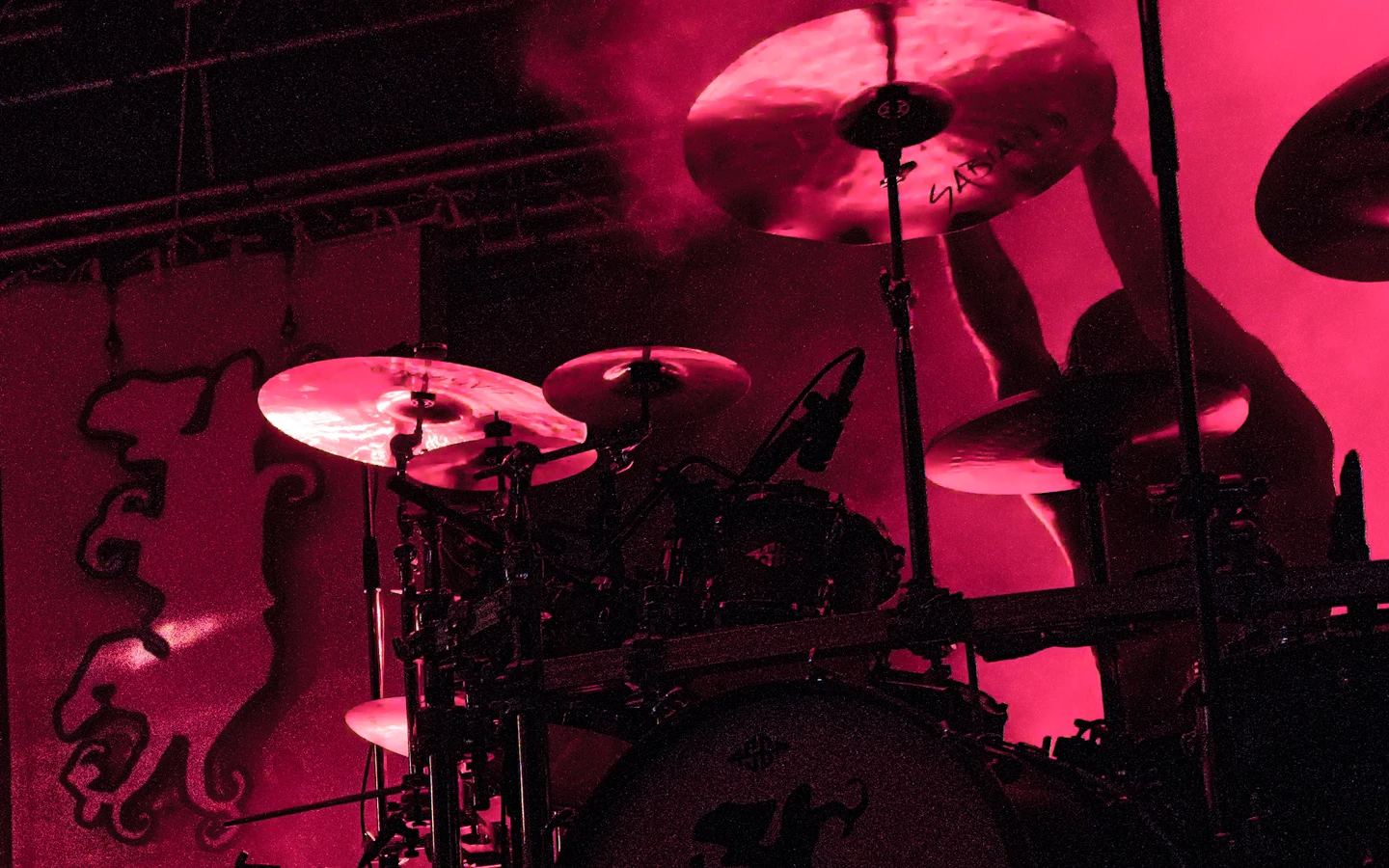
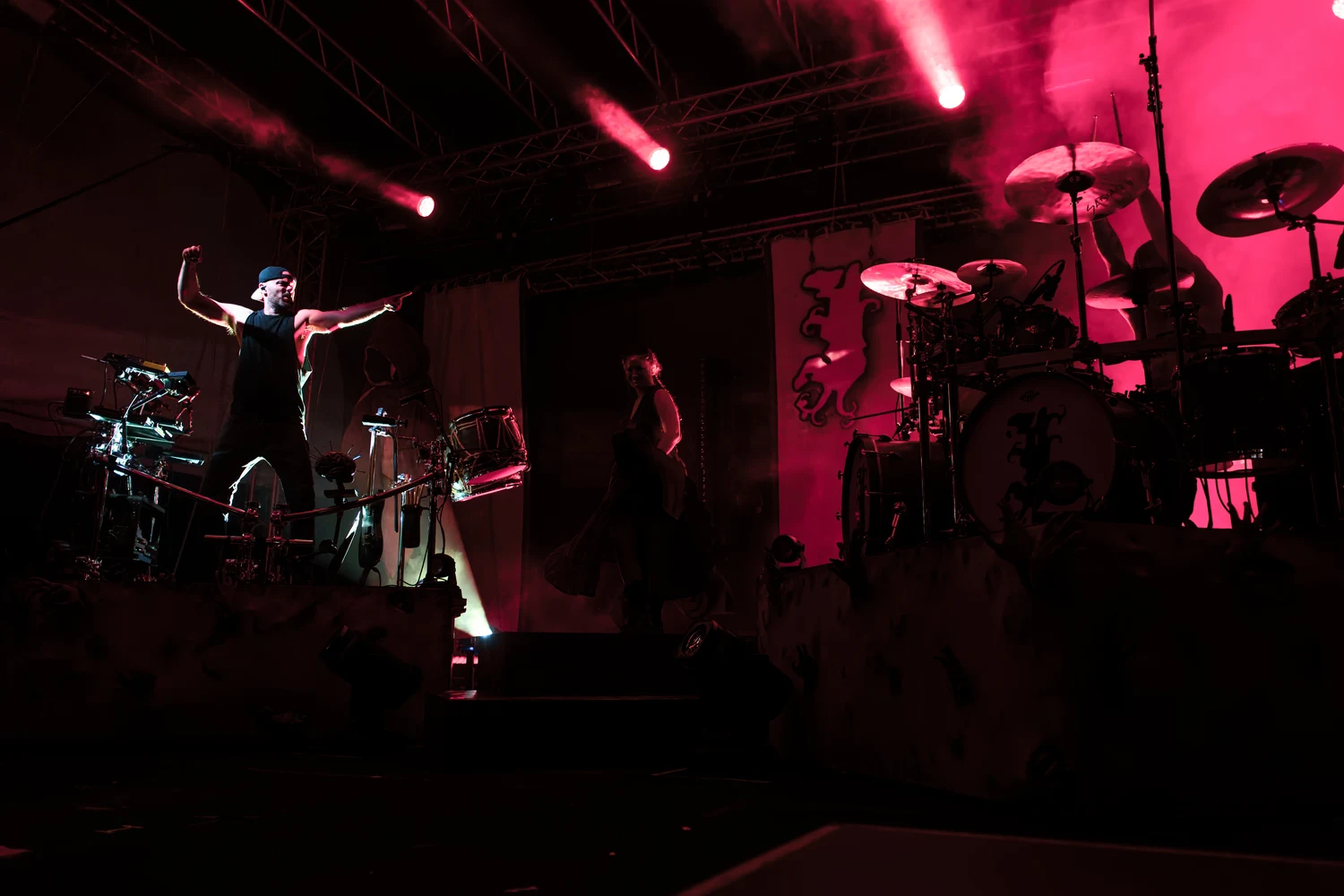
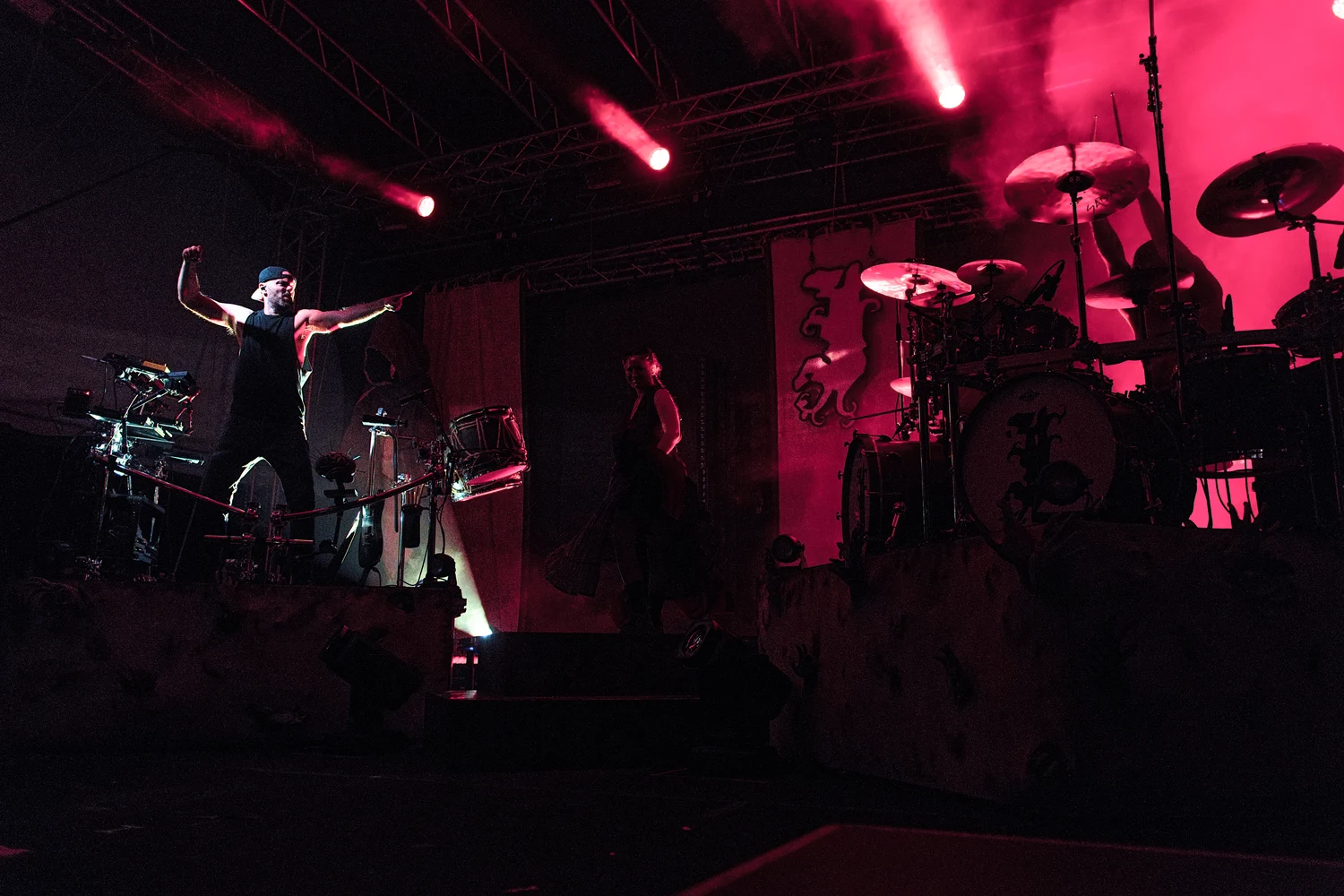
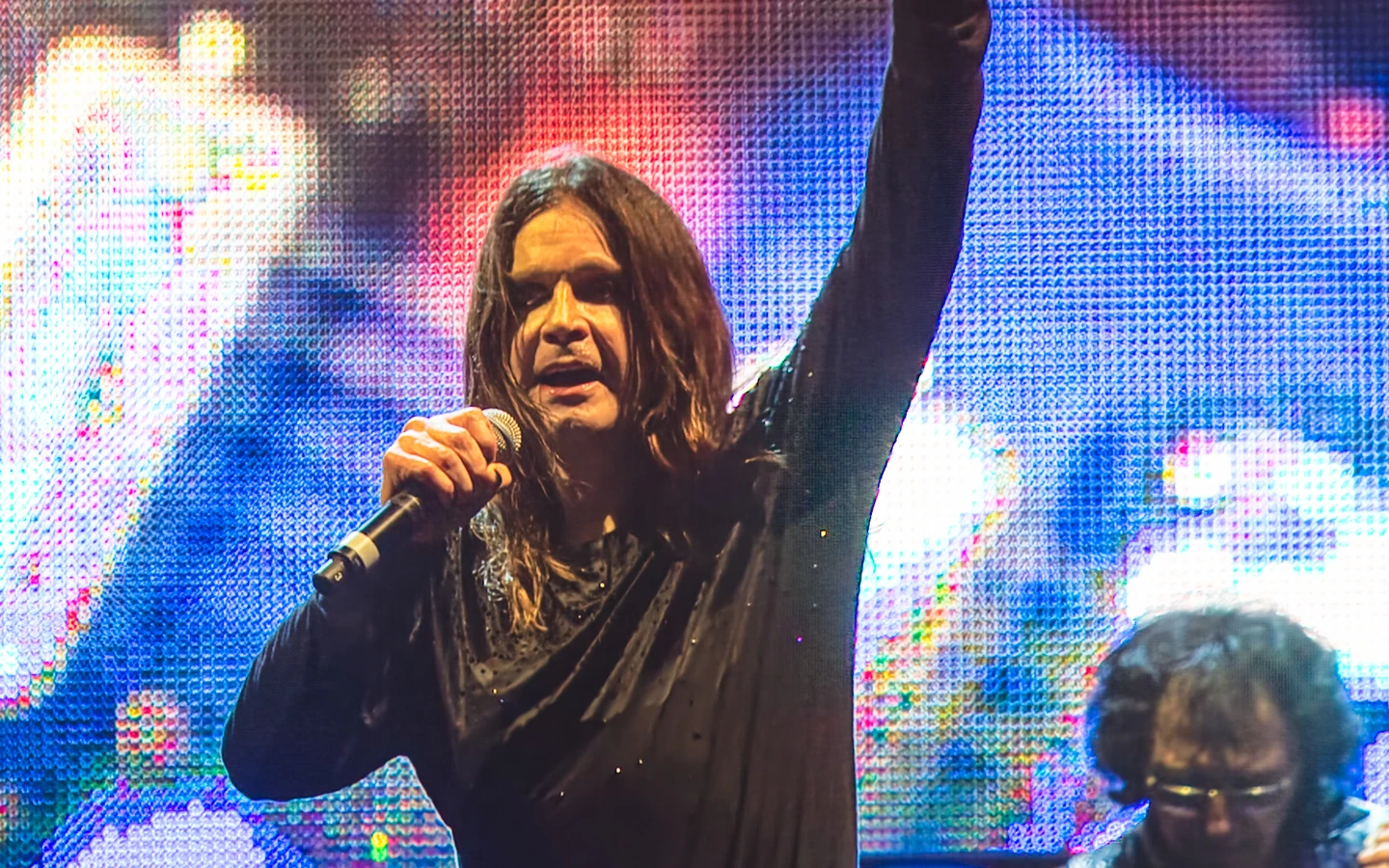
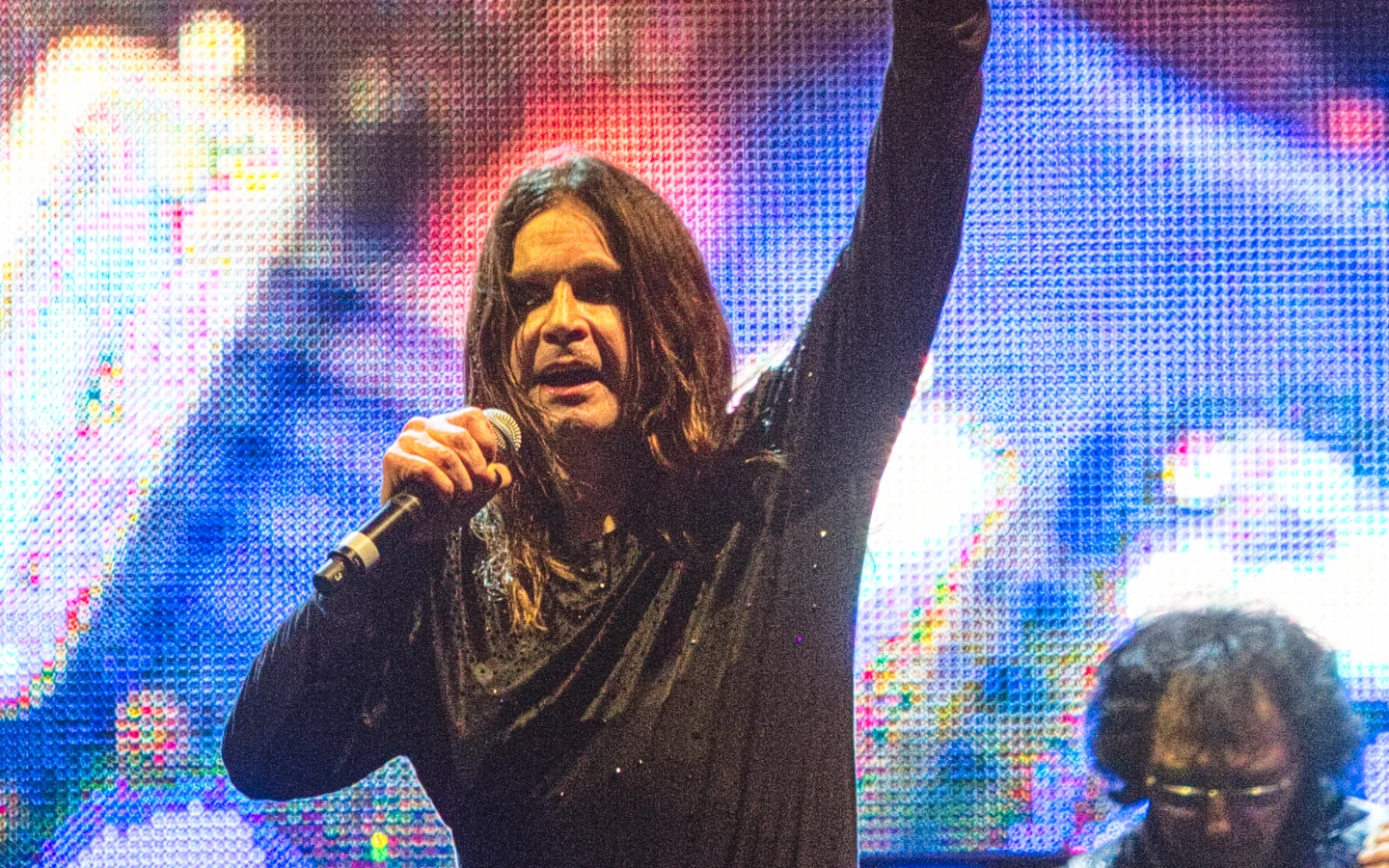
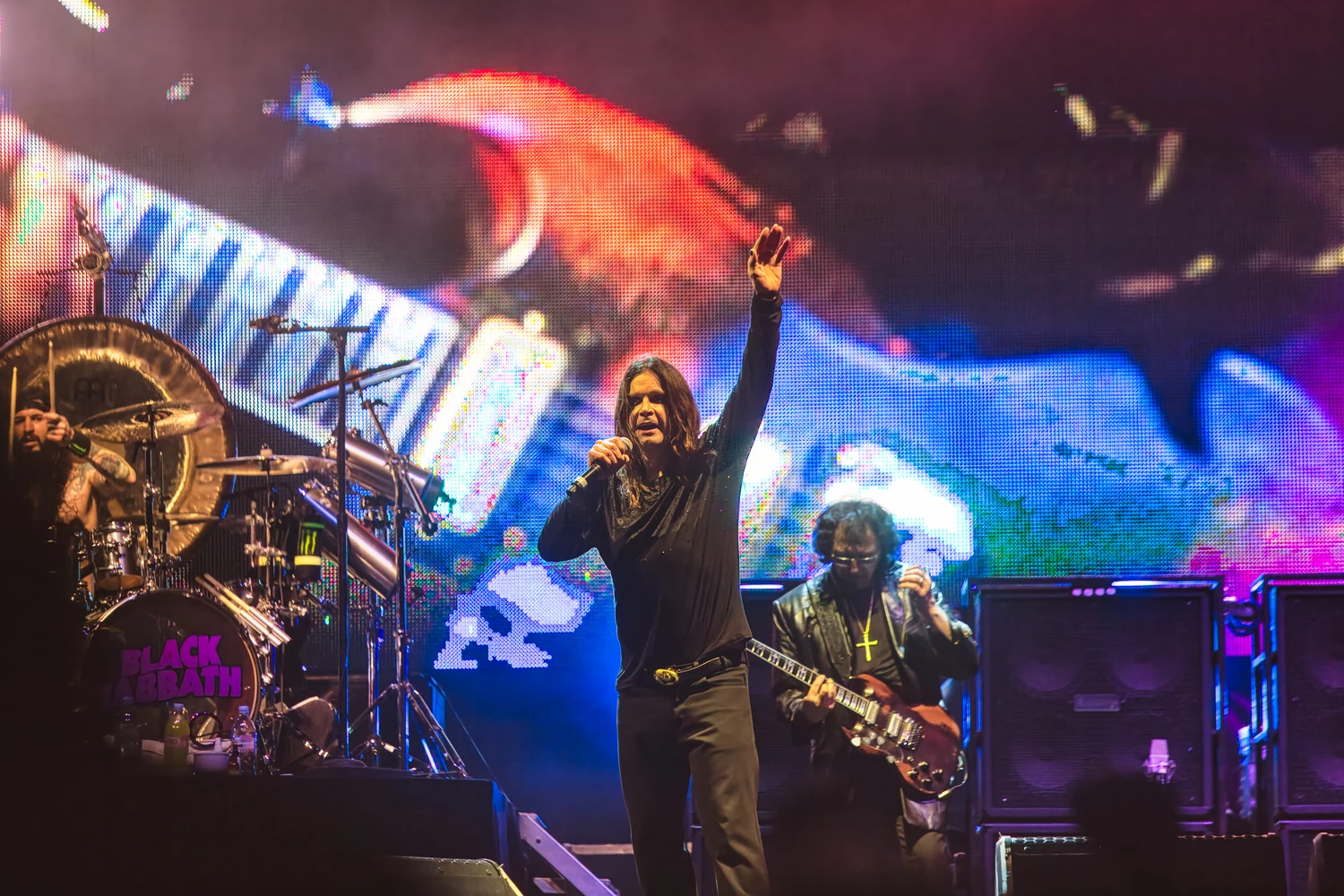
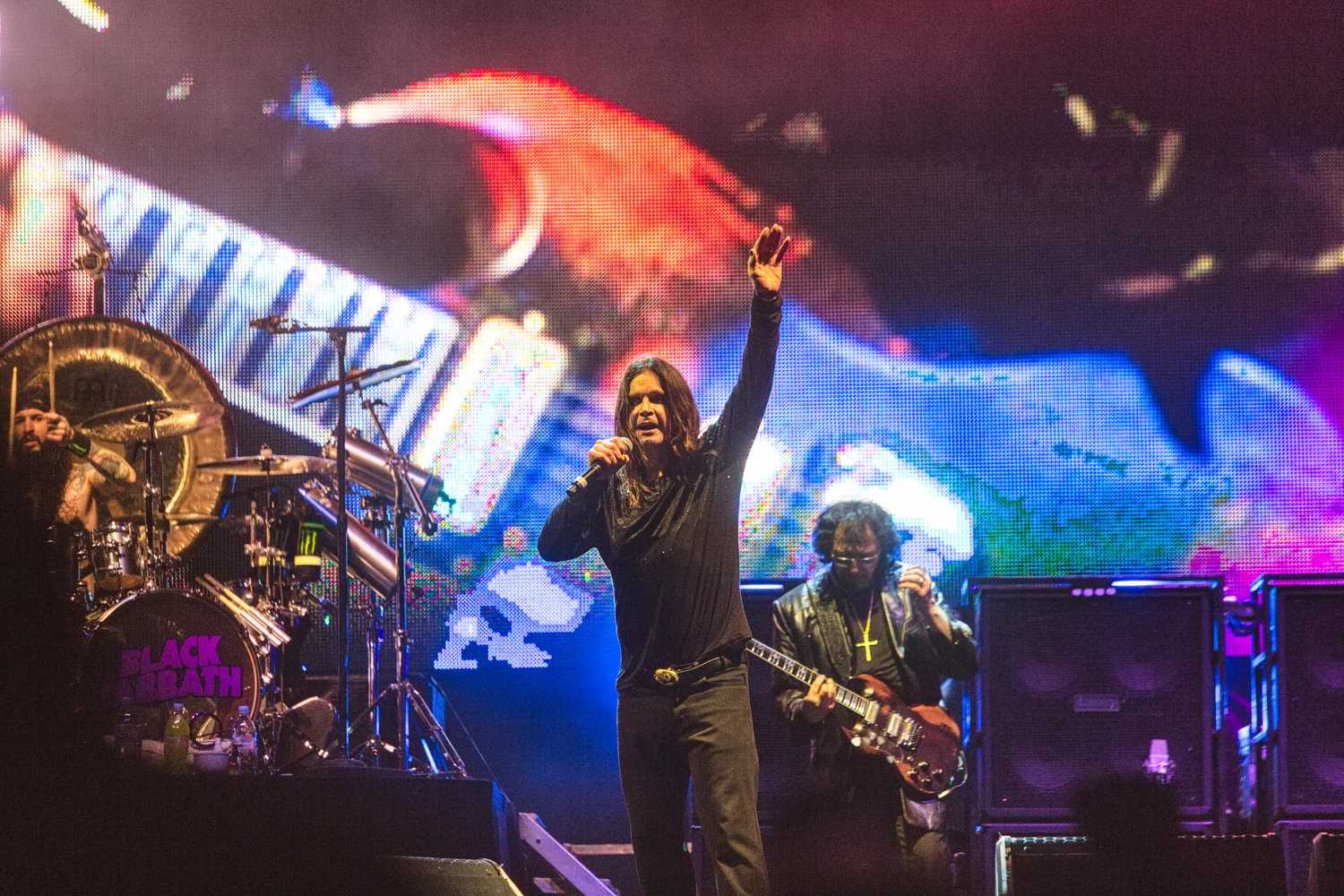
Real RAW exports, zero trickery. Runs on CUDA, DirectML, CoreML, WebGPU or Vulkan/ncnn, and includes sensor-calibrated Classic Denoise with Auto-ISO noise modeling when you only need a light pass.
Coming home from a wedding or a festival with 1,500 RAWs should not mean three nights of moving the same sliders, or uploading your clients’ photos to a cloud service that bills you per shot.
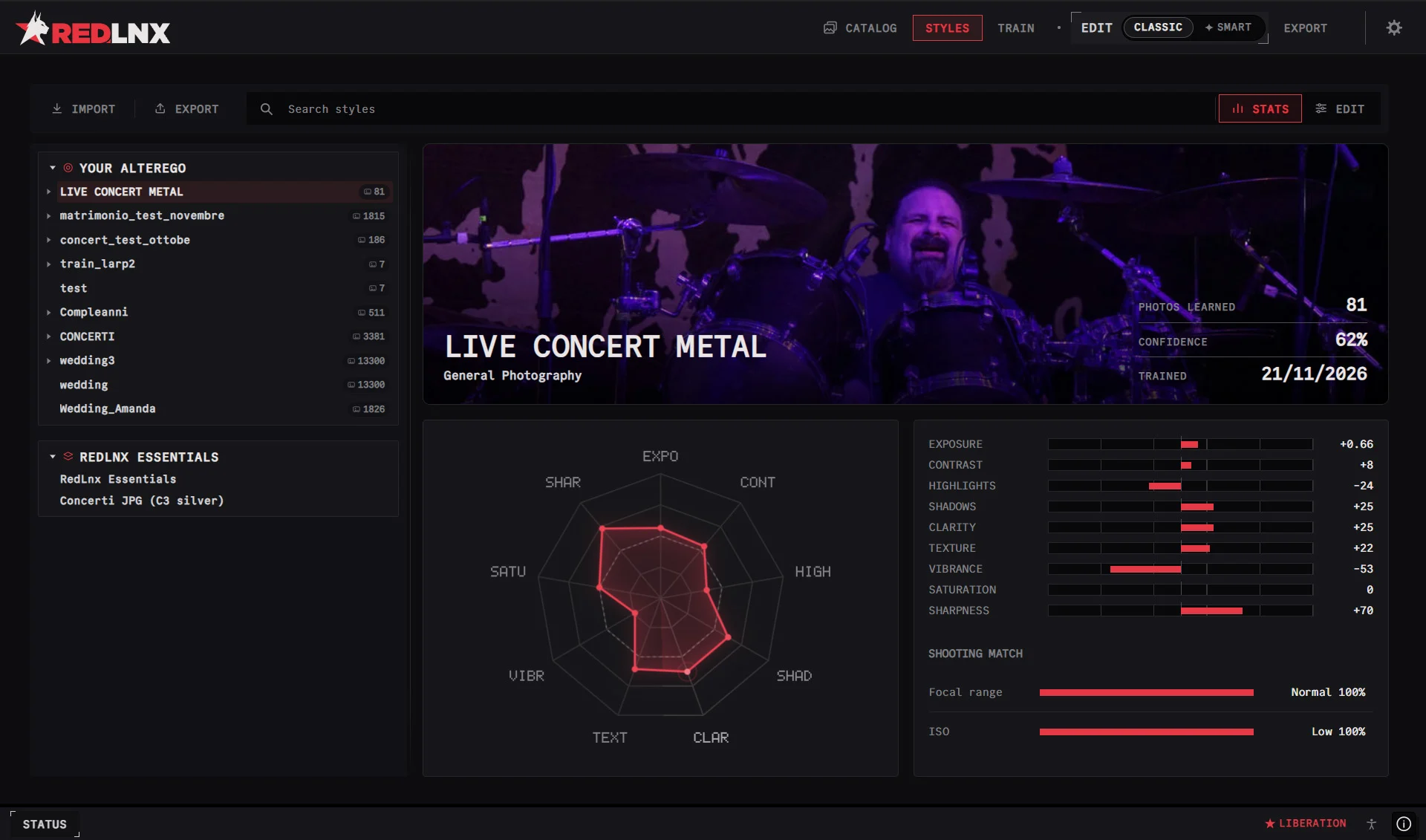
Your Alter-Ego learns how you edit across scenes and light from your Lightroom .lrcat, XMPs, RedLnx edits or finished JPEGs. It adapts frame by frame instead of stamping a static preset, leaves every slider live, improves when you mark photos Redo → Refine, and can even export XMP sidecars back to Lightroom.
No black box. Inspect your Tone Fingerprint radar, median slider shifts, focal length and ISO shooting match, build variants, refine from corrected photos, or export a shareable .redlnxstyle pack.
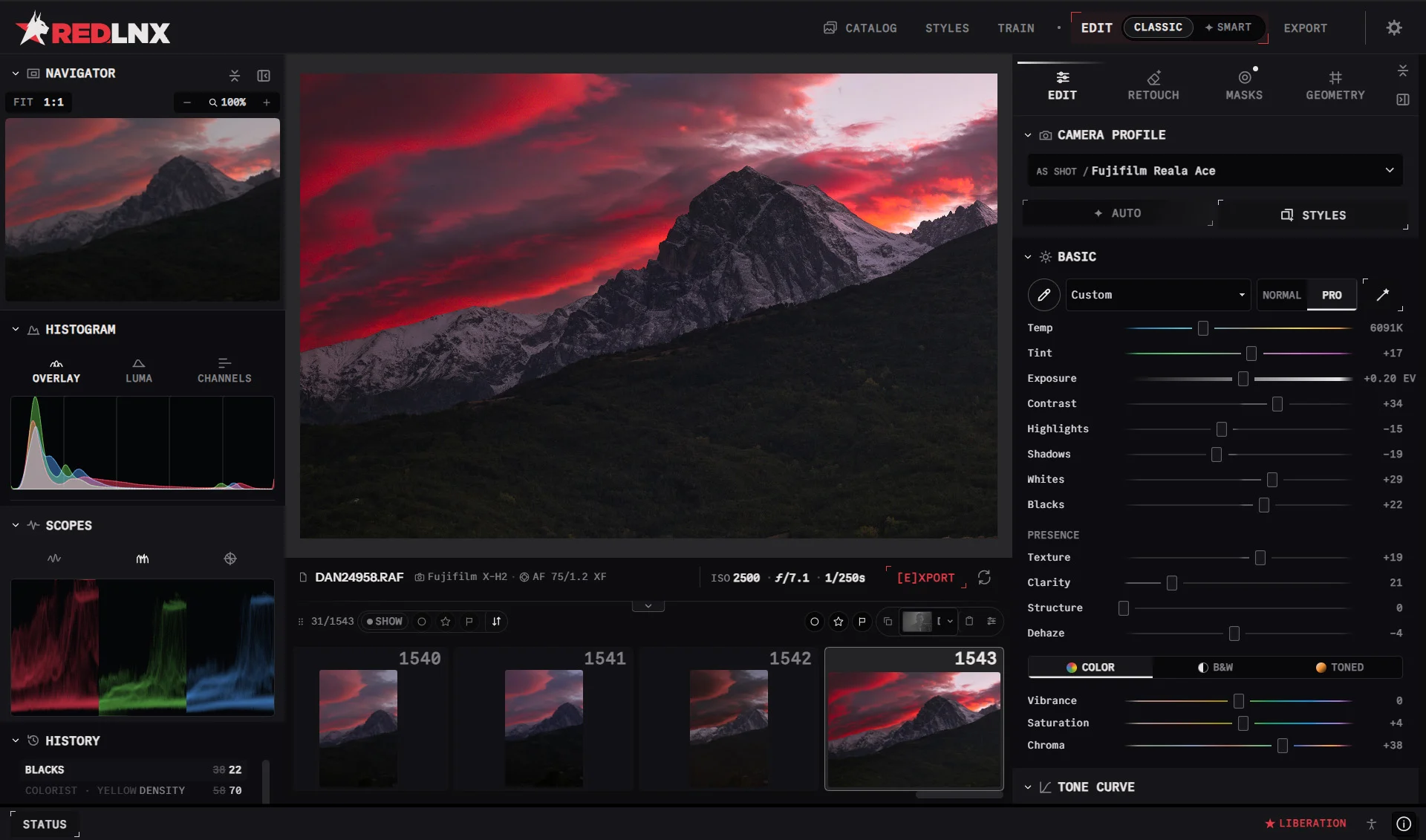
Fly through a shoot on one fixed screen in Smart, or drop into Classic for deep manual color and optical film controls. Same real levers underneath.
Most frames do not need fourteen collapsible panels. Smart fits an entire RAW editor on one screen without scrolling: camera profile, white balance, five tactile knobs, a 2D Mood Rose (Dreamy / Crispy / Moody / Airy), parametric curve, color grading wheel, Smart NR, masks, retouch, geometry and styles, right under live histogram and scopes. Every move writes directly to the real RAW levers: click Classic and every slider is already moved and ready to fine-tune.
Open the Color tab or flip to Classic for Normal/Pro basic panels, parametric & RGB curves, three color engines (Classic HSL, Perceptual, and Colorist in AP1 with a live vectorscope wheel and Skin Guard), Point Color, depth-based Lens Blur, GeoCalib Auto Upright, and real optical effects (Halation, Bloom, Pro-Mist, Anamorphic streak, Dark Orton, Bleach Bypass, Tri-X / Portra / Delta / Neopan grain).
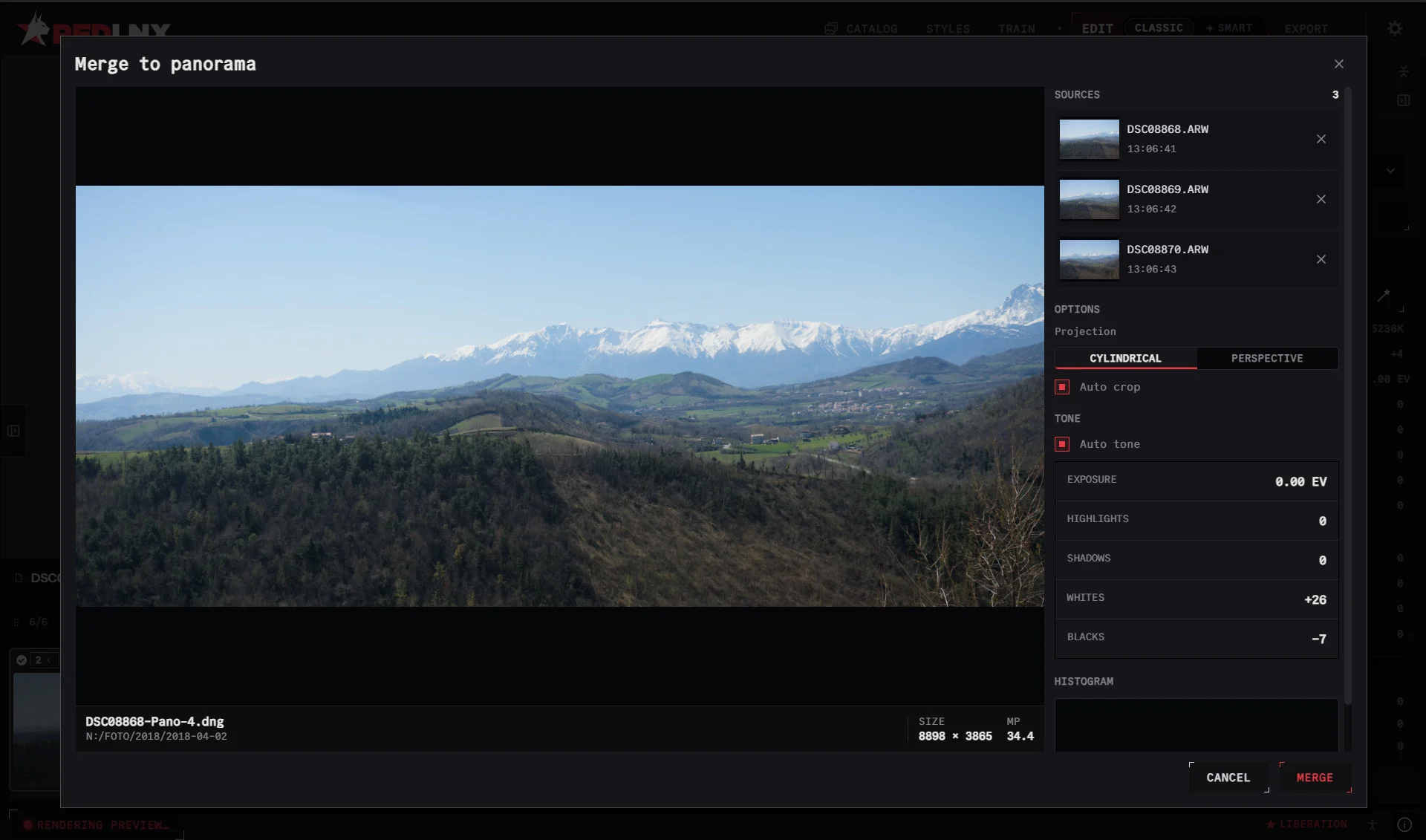
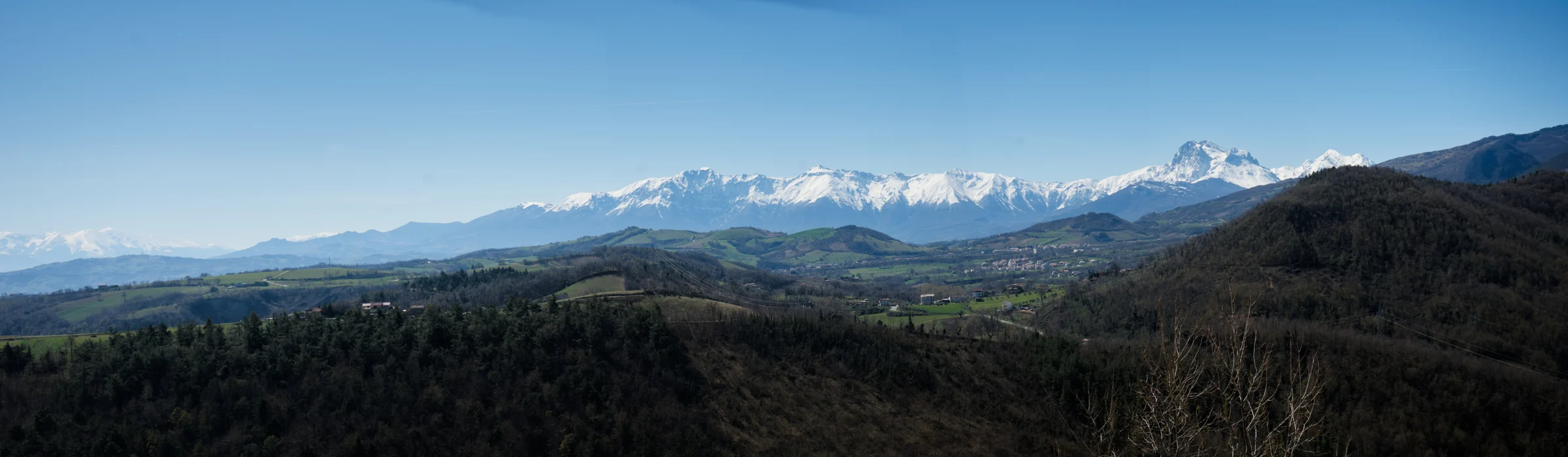
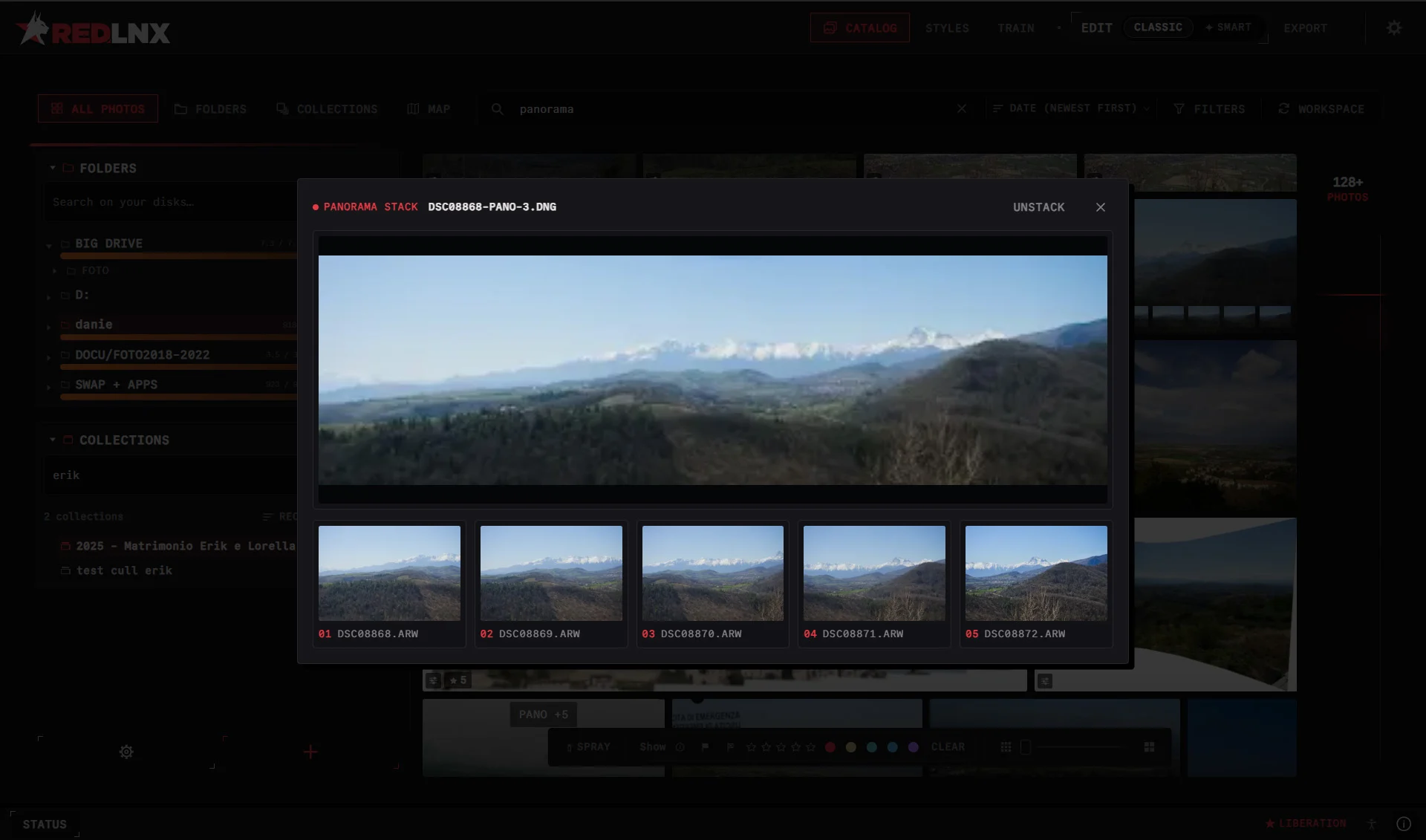
Select exposure brackets or overlapping frames right in the filmstrip or grid. Stitch cylindrical or perspective panoramas (with auto-crop and auto-tone) or merge HDR brackets with deghosting, stacked cleanly alongside the original RAWs.
One slider on the linear RAW pipeline. Drag the divider to bring back contrast, trees and road detail while keeping the mountain fog believable.
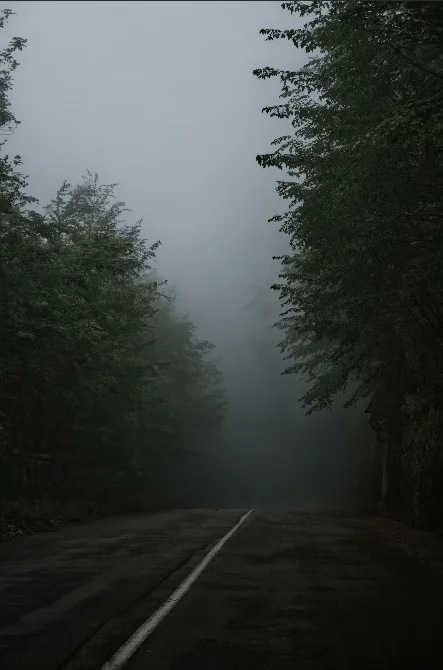
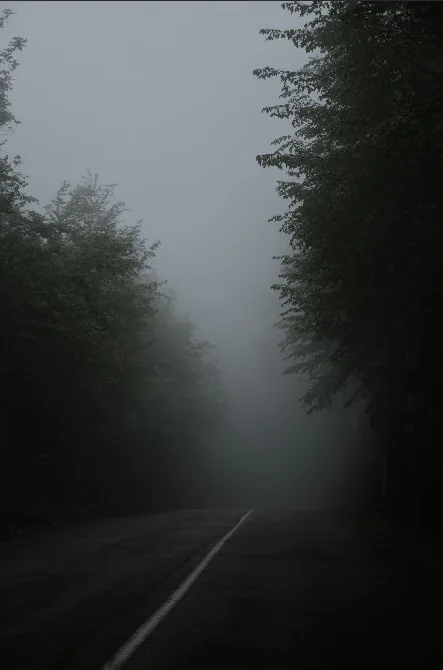
One click runs local AI matting on your GPU, then lets you stack and combine masks with Add, Subtract, Intersect and Overlap, edge refinement, or an auto-mask brush.
Subject, Background, Sky, and Click-to-select Object, with BiRefNet and ViTMatte edge precision.
Detects each person separately: mask Face skin, Eyes, Eyebrows, Nose, Mouth / lips or Hair individually.
Mountains, Water, Vegetation, Ground, Architecture, plus AI Depth map, Luminance, Color range, Linear, Radial & Auto-mask Brush.
Full boolean stacking (Add / Subtract / Intersect / Overlap), Local Curve, Local Point Color, noise/moiré/defringe and Skin Tone.
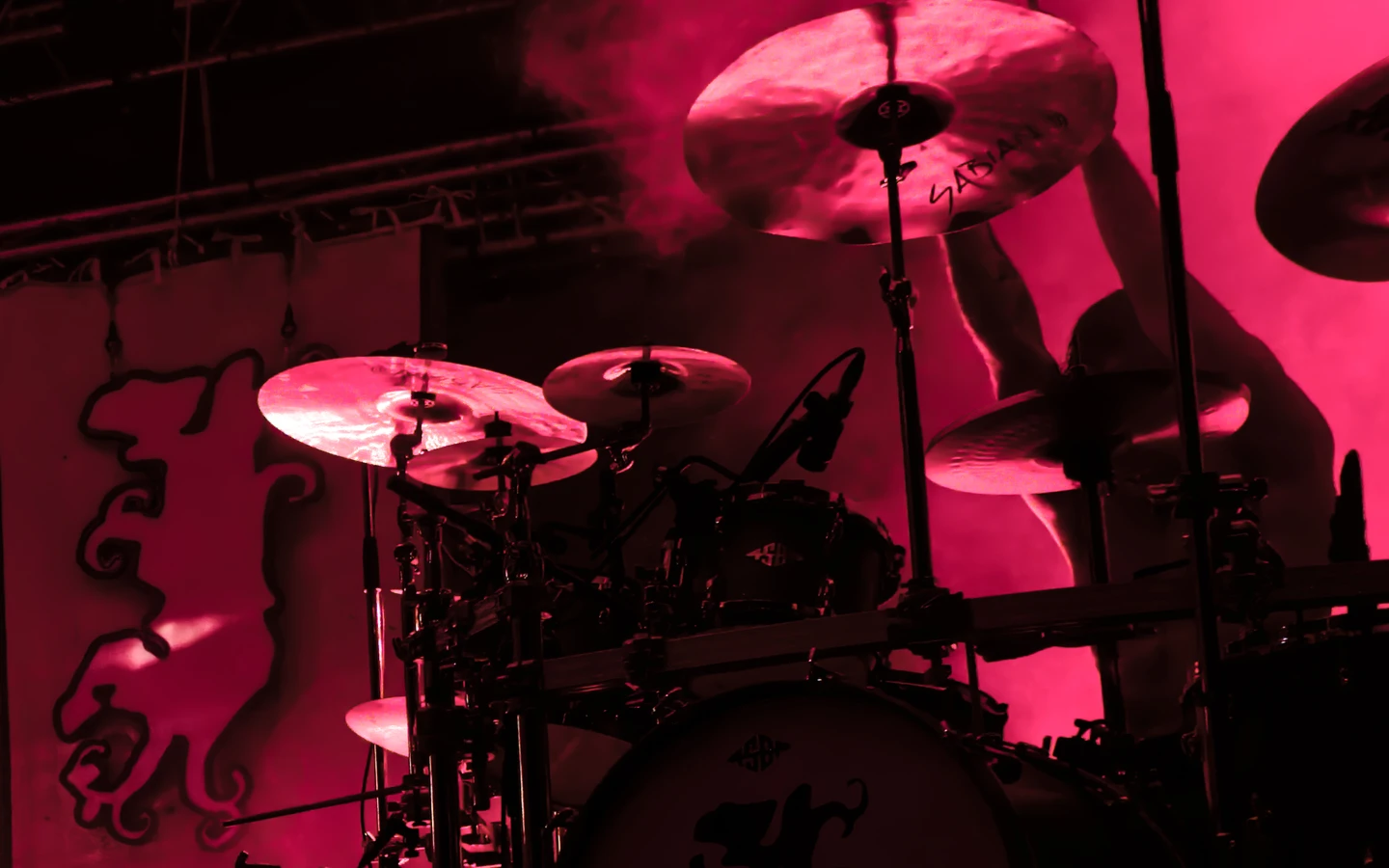
Blemishes, stray hairs, sensor dust, exit signs, uneven skin under mixed stage lights: handled non-destructively right on your uncropped RAW canvas.
RedLnx exists because other people shared their work in the open.
That deserves a front-row thank you, not a footnote.
Parts of RedLnx’s RAW engine (exposure, contrast, dehaze, grain, demosaic and more) are Rust ports and adaptations of darktable’s algorithms. Deep respect to the people who built them.
A crucial reference for library architecture and local machine learning, especially CLIP search. Reworked for a desktop RAW workflow, with gratitude for the path they proved.
Also grateful to RawTherapee (auto lateral CA), RawForge / TreeNet & Ansel (sensor denoise foundations), RapidRAW (UI inspiration) and PIXLS.US / Lumariver. Nothing decompiled, nothing lifted: clean implementations, original licenses respected.
All credits & NOTICE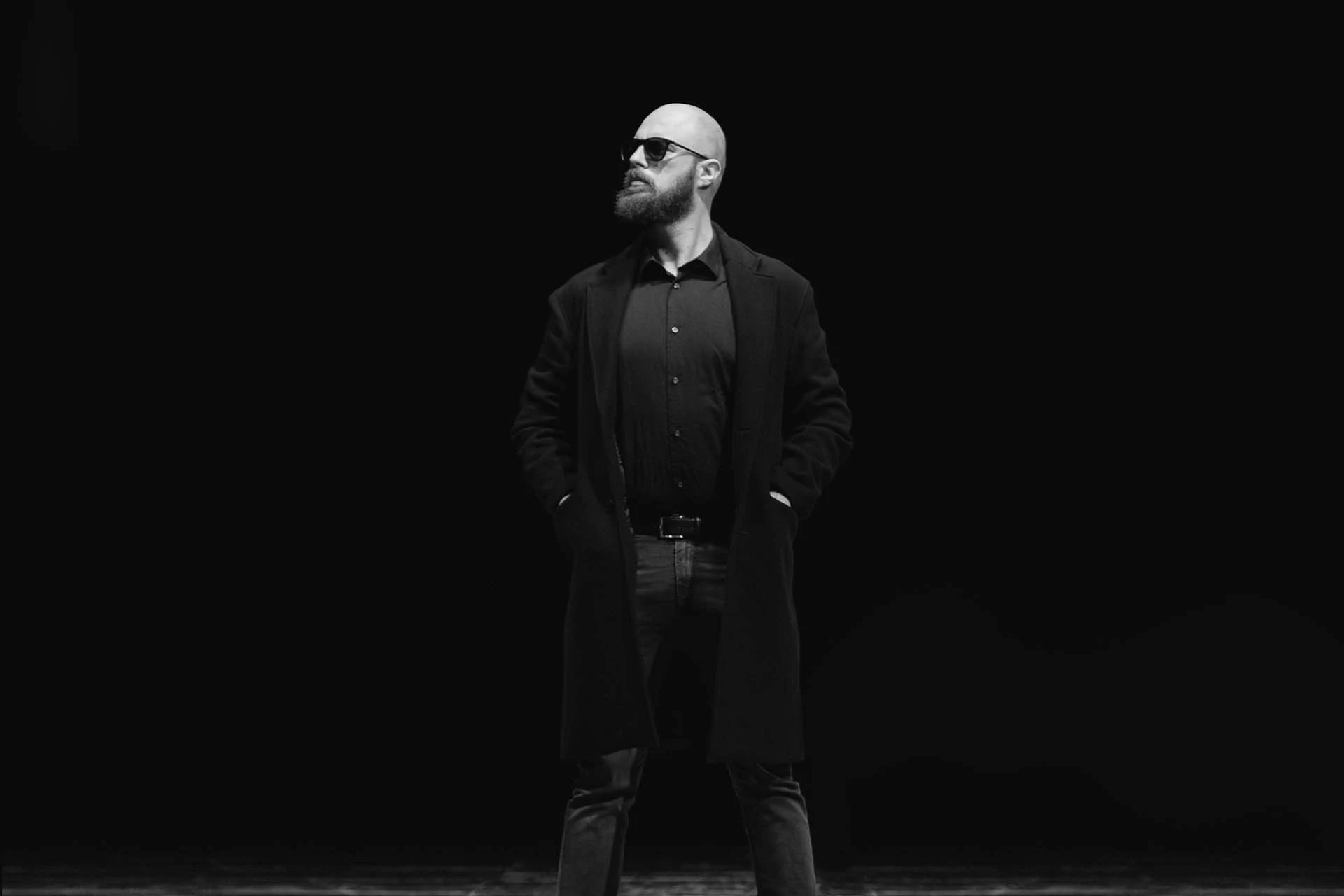
I shoot concerts, events and weddings in Italy, and I am the person writing RedLnx. I lost 1.4 diopters over a year of free time to build it.
I got tired of renting tools to open my own photos and paying cloud services to imitate my own edits. So I built the workspace I wanted to come home to after a gig. If it helps your work too, use it.
Meet the personDownload the complete app for nothing. No trial clock, no watermarked exports, no “Pro” unlock key hiding in settings. Available in 22 languages.
Contributions pay for code-signing certificates, hosting, hardware and months of development. Same app either way. Free and open source under AGPL-3.0.
Support RedLnx on Ko-fi€10 is just a suggestion. Choose any one-time amount on Ko-fi.
Public 1.0 installers are being finalized for launch. Build from source on GitHub anytime.
Yes. There is only one edition. Contributing on Ko-fi funds code signing and development; it does not unlock hidden tools or remove limits.
No. RAW editing, Alter-Ego training, semantic search, Smart Cull, AI masks and sensor denoise run locally on your machine. There is no account, no cloud sync and no telemetry. The network is only used when you explicitly download AI models, optional GPU runtimes, plugins or check for updates.
A dedicated GPU makes RAW editing, masks and Sensor Denoise noticeably faster (CUDA, DirectML, CoreML, Vulkan/ncnn and WebGPU are supported), and you can pick lighter AI models or the faster Ansel denoiser on modest hardware. Memory-aware GPU banding and CPU fallback keep it working without huge VRAM.
RedLnx imports .lrcat catalogs and XMP sidecars (folders, collections, ratings, virtual copies, develop history and supported edits) and can re-sync while you transition. Because RedLnx has its own RAW rendering engine, identical slider values will not always produce pixel-identical output, and proprietary profiles or Lightroom-only masks may need a quick pass. Read the migration notes.
Very likely yes: the application interface is already translated into 22 languages, including English, Italian, Japanese, Simplified & Traditional Chinese, German, French, Spanish, Portuguese, Russian, Korean, Polish, Dutch, Arabic, Hindi, Ukrainian, Turkish, Swedish, Norwegian, Indonesian, Thai and Vietnamese.
Not at all. Use RedLnx purely as a fast manual catalog and RAW editor (in Smart or Classic mode), use the built-in Essentials and film looks, or import your .cube LUTs and Lightroom presets. Alter-Ego is there when you want help with repetitive shoots.