Your catalog is your story.
Bring it over from Lightroom Classic and other supported catalogs, with its folders, collections and edits. Then scroll through it year by year, the way you lived it.
Catalog compatibility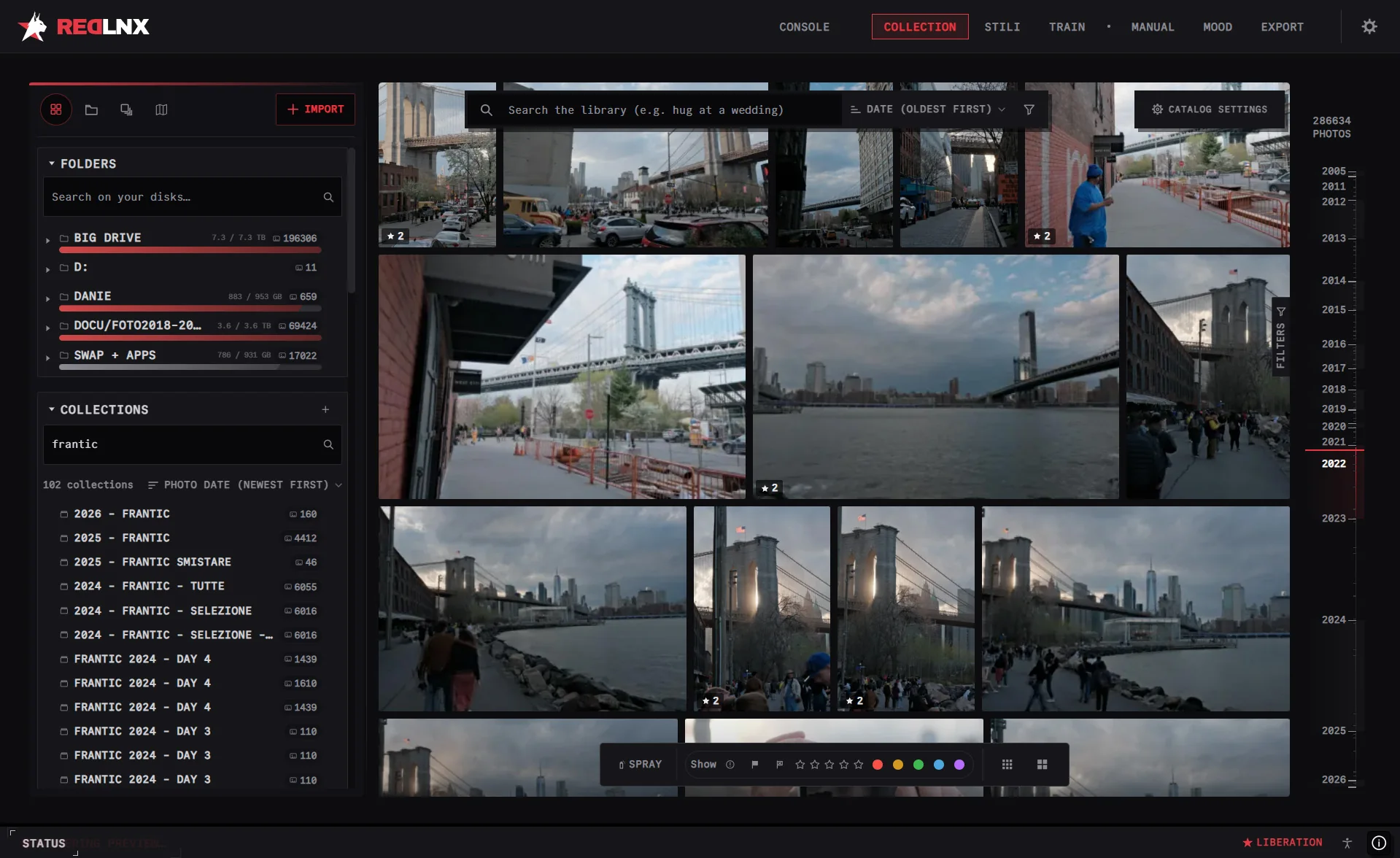

A complete workspace for your photos. Organize, develop and make it yours. It learns how you edit, and everything stays on your computer.
Take a look insideYears of edits shouldn’t keep you tied to one application. Bring your Lightroom Classic catalog and XMP edits into RedLnx, and keep working.
Import your organization and supported adjustments. Compatibility has limits, and we make them explicit. About migration ↗
Bring it over from Lightroom Classic and other supported catalogs, with its folders, collections and edits. Then scroll through it year by year, the way you lived it.
Catalog compatibility Built by a working photographer.
Made for anyone with a card full of photos.
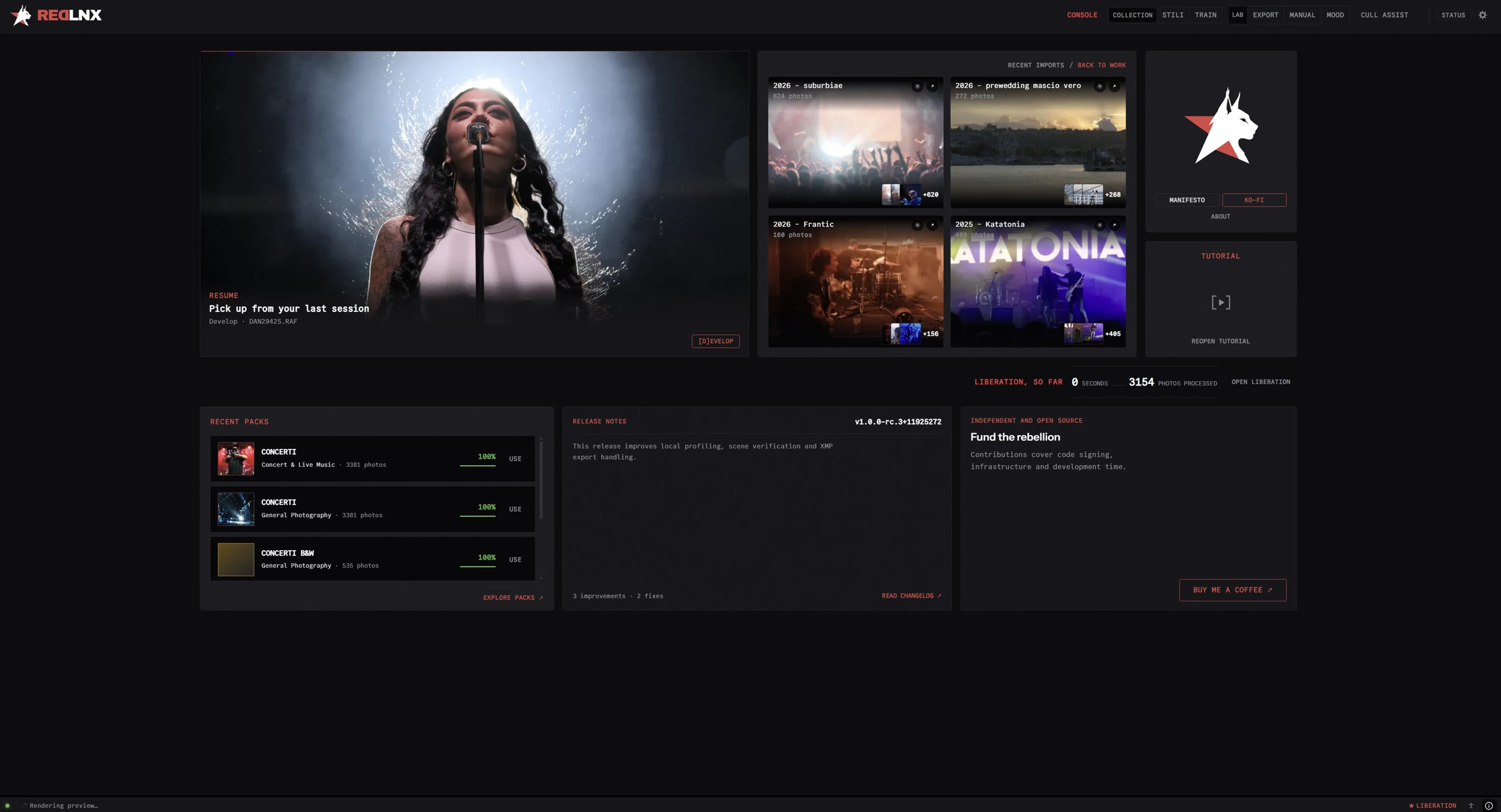
The Console brings your workspace together. Pick up where you left off and get back to the photographs.
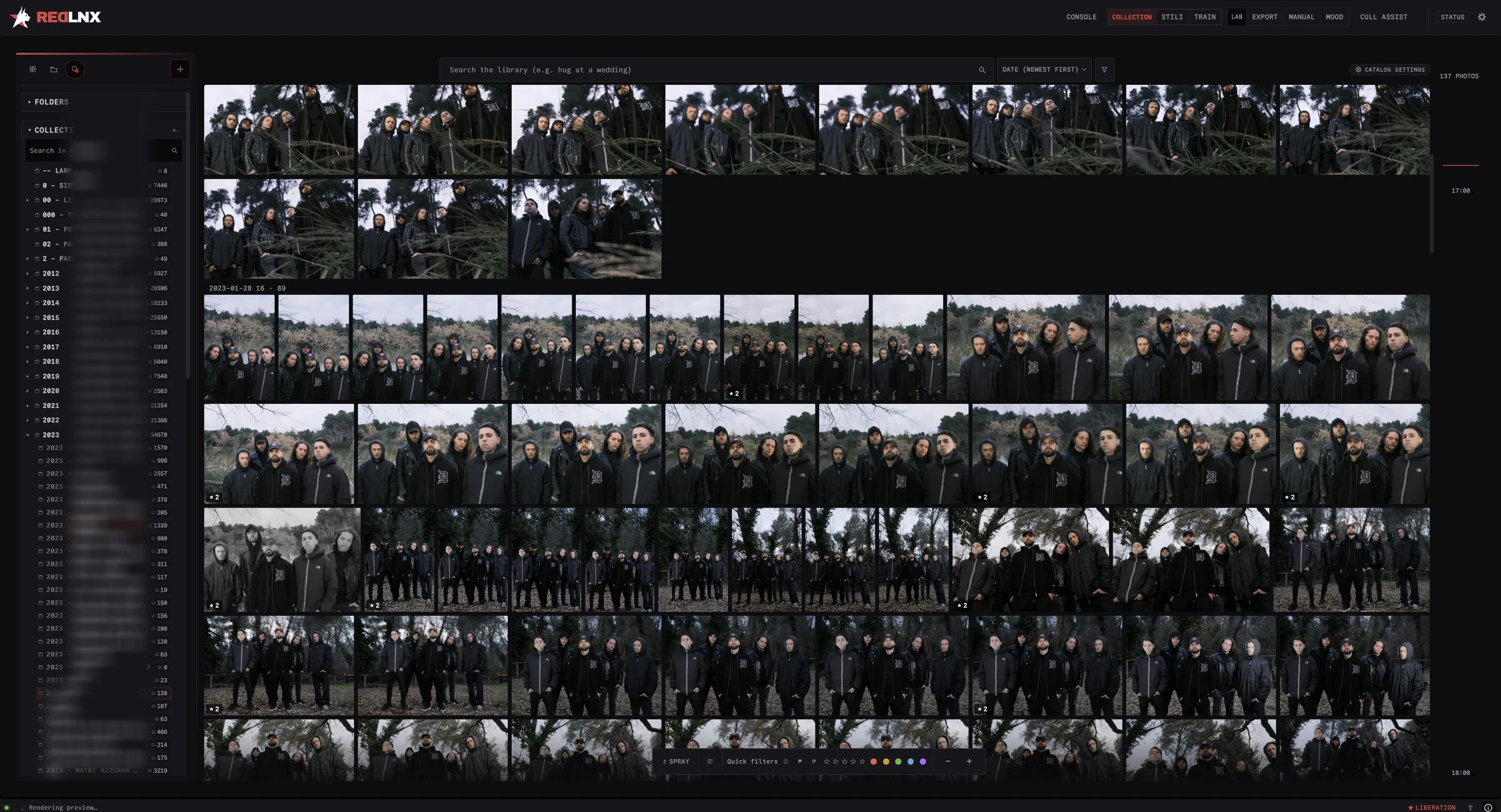
Folders, collections, ratings and smart filters. Find the shot, compare versions and keep a whole archive within reach.
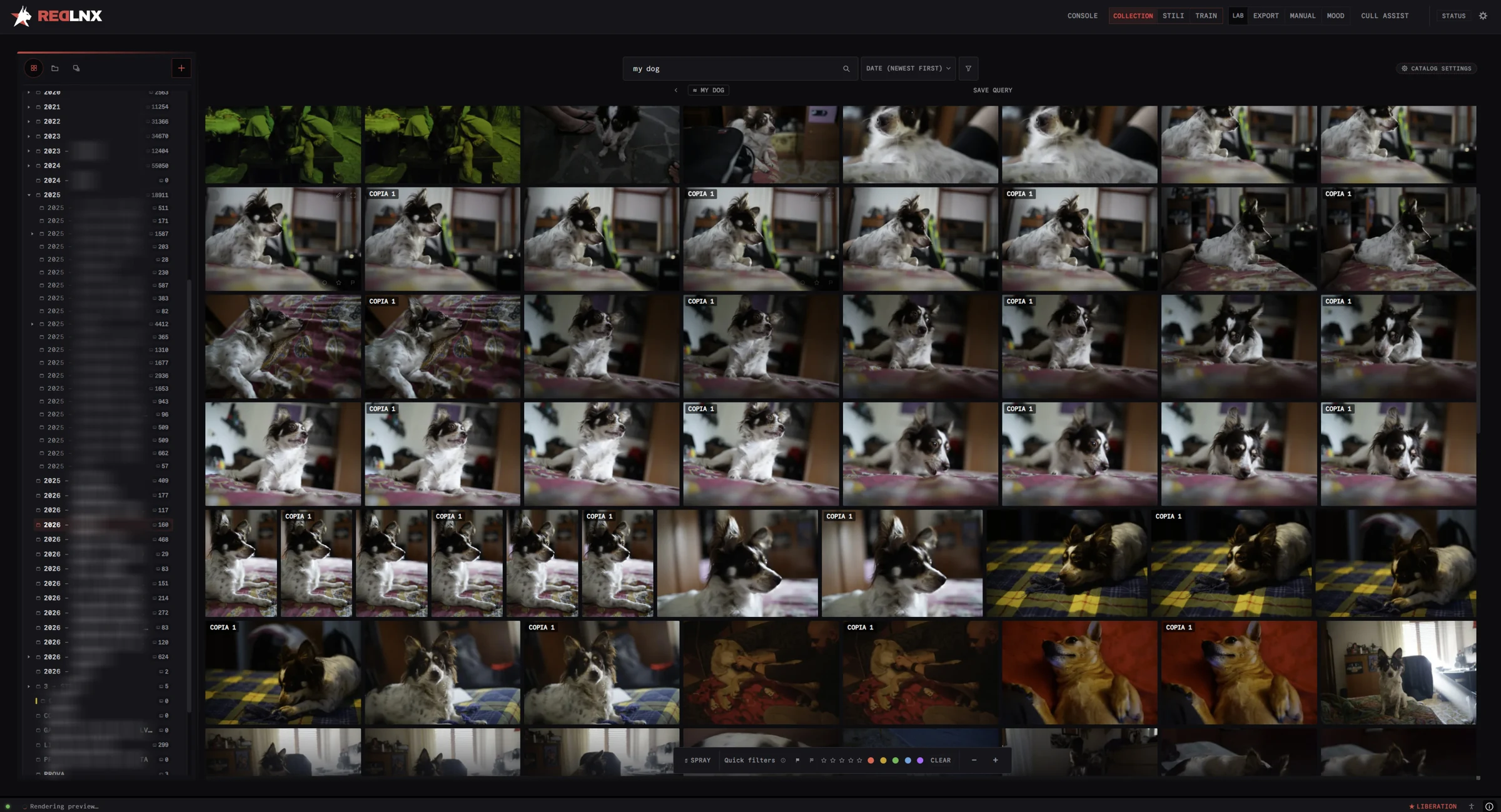
Type “my dog” or “a hug at a wedding”. RedLnx finds it by what’s in the picture, on your computer, with nothing uploaded anywhere.
Photographs with GPS land on a map. Zoom into a city, a venue, a trip, and the grid follows.
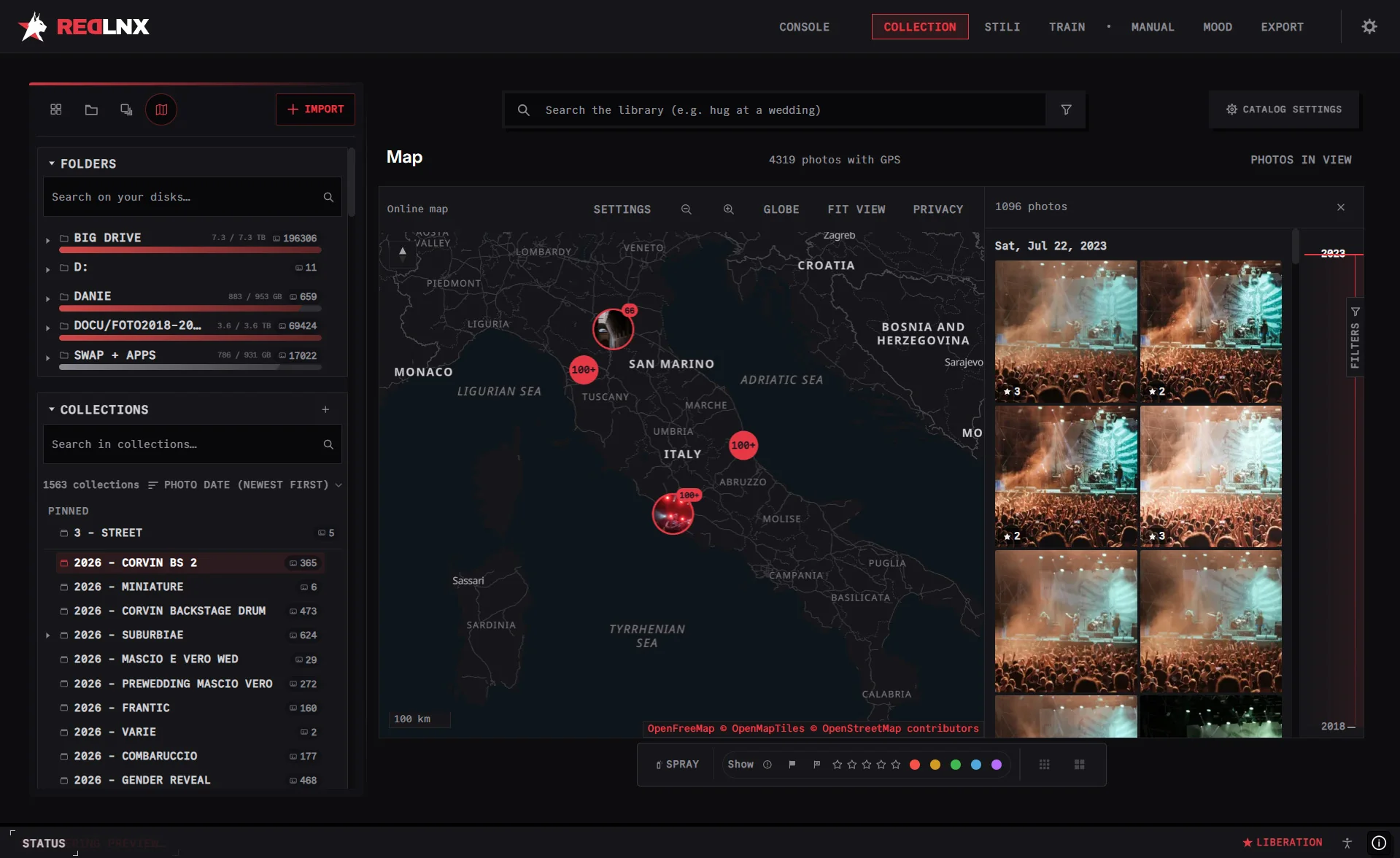
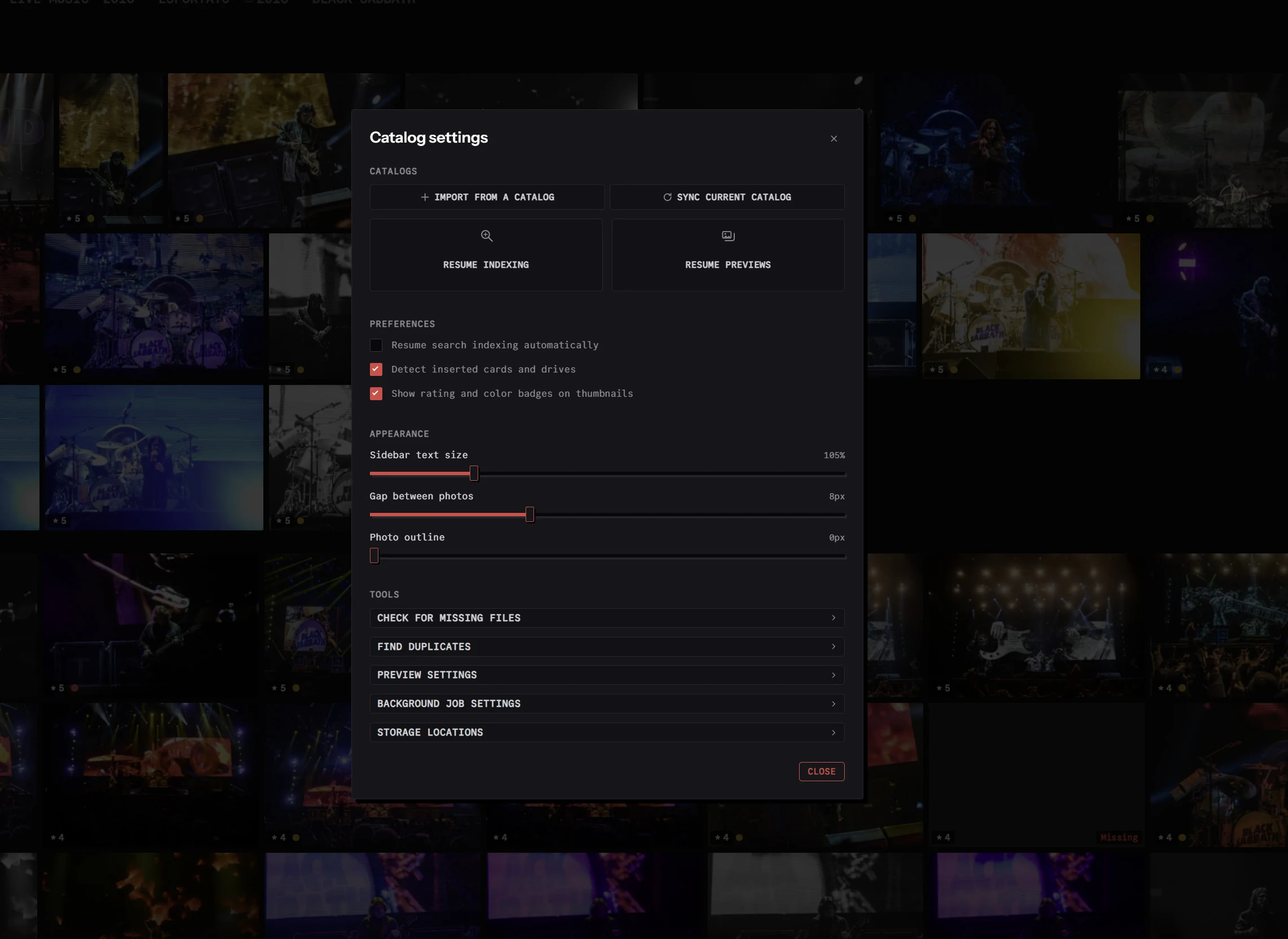
Import your folders, or bring over a Lightroom Classic catalog with its organization and supported XMP adjustments. Keep it in sync while you move across.
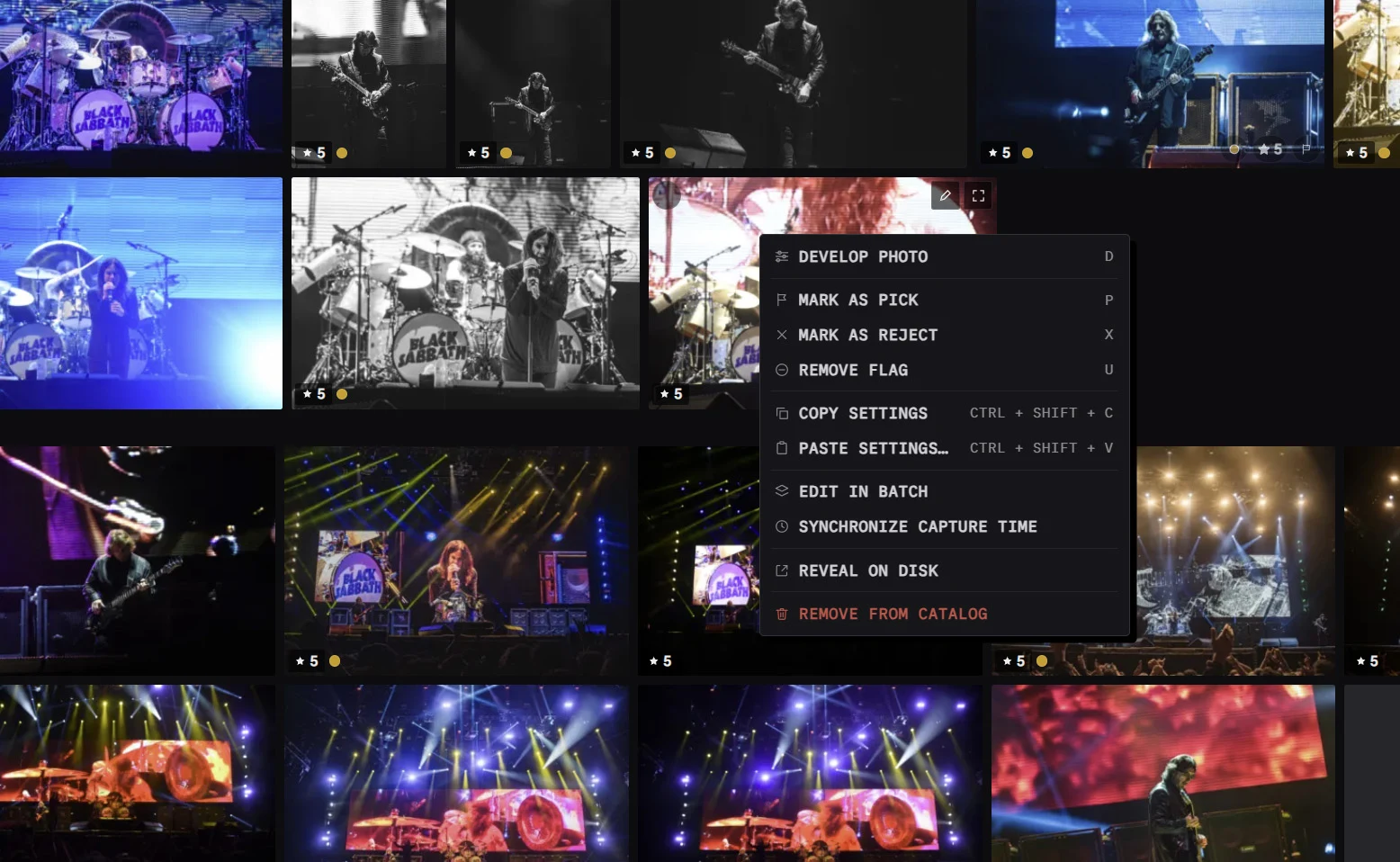
Go through a whole shoot with picks, rejects, ratings and color labels, one key at a time. Copy settings across the keepers and edit them in batch.
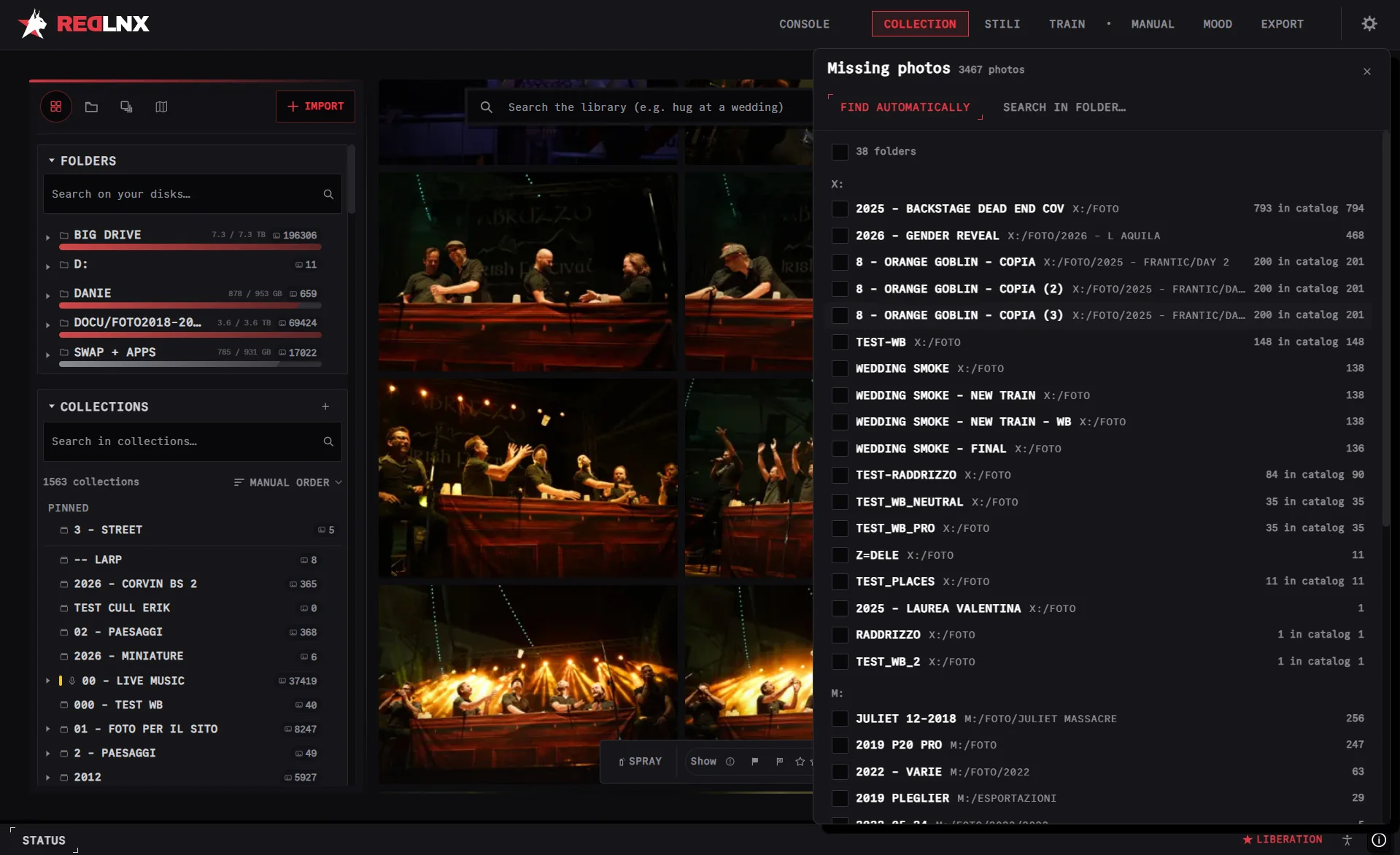
A NAS that isn’t mounted, a backup drive in a drawer, three copies of the same shoot. RedLnx knows what lives where, and never deletes anything on its own.
Folders that went offline or changed disk show up as missing, counted against the catalog. Let RedLnx find them again, or point it at the right folder. Lightweight previews keep the archive browsable in the meantime.
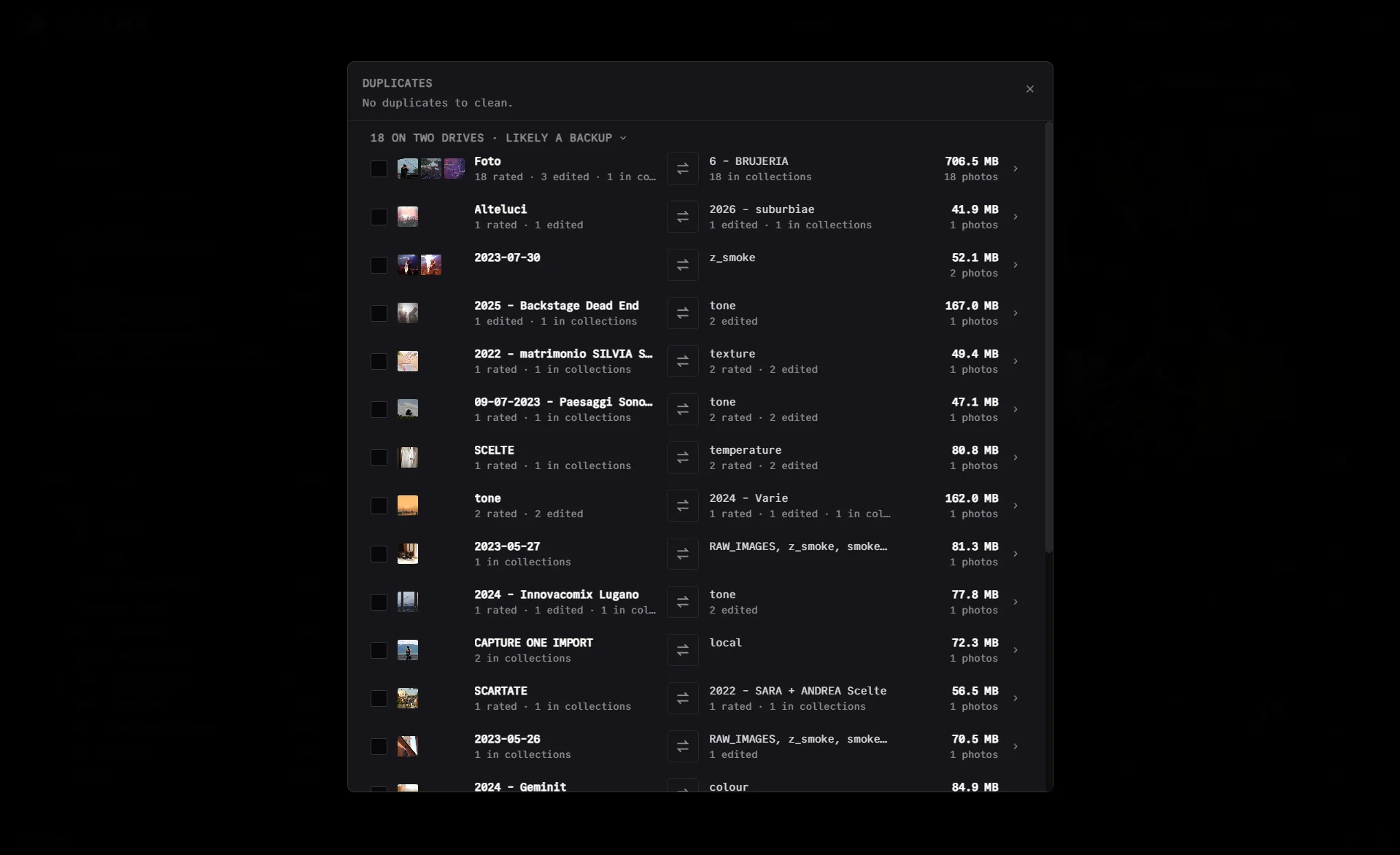
Copies across drives are grouped, with what each one carries: ratings, edits, collections, and whether it looks like a backup. You see the space you’d get back and decide what goes.
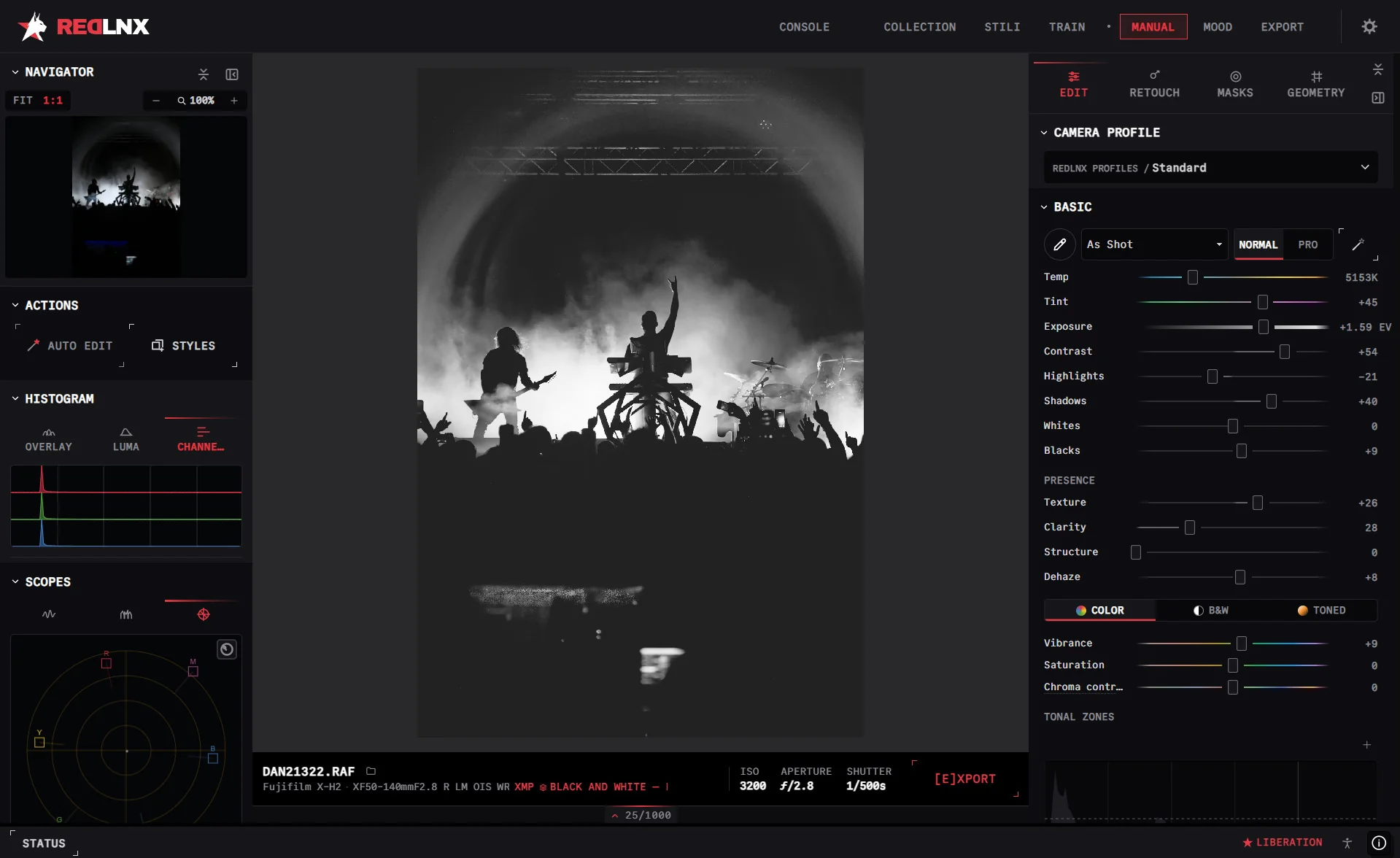
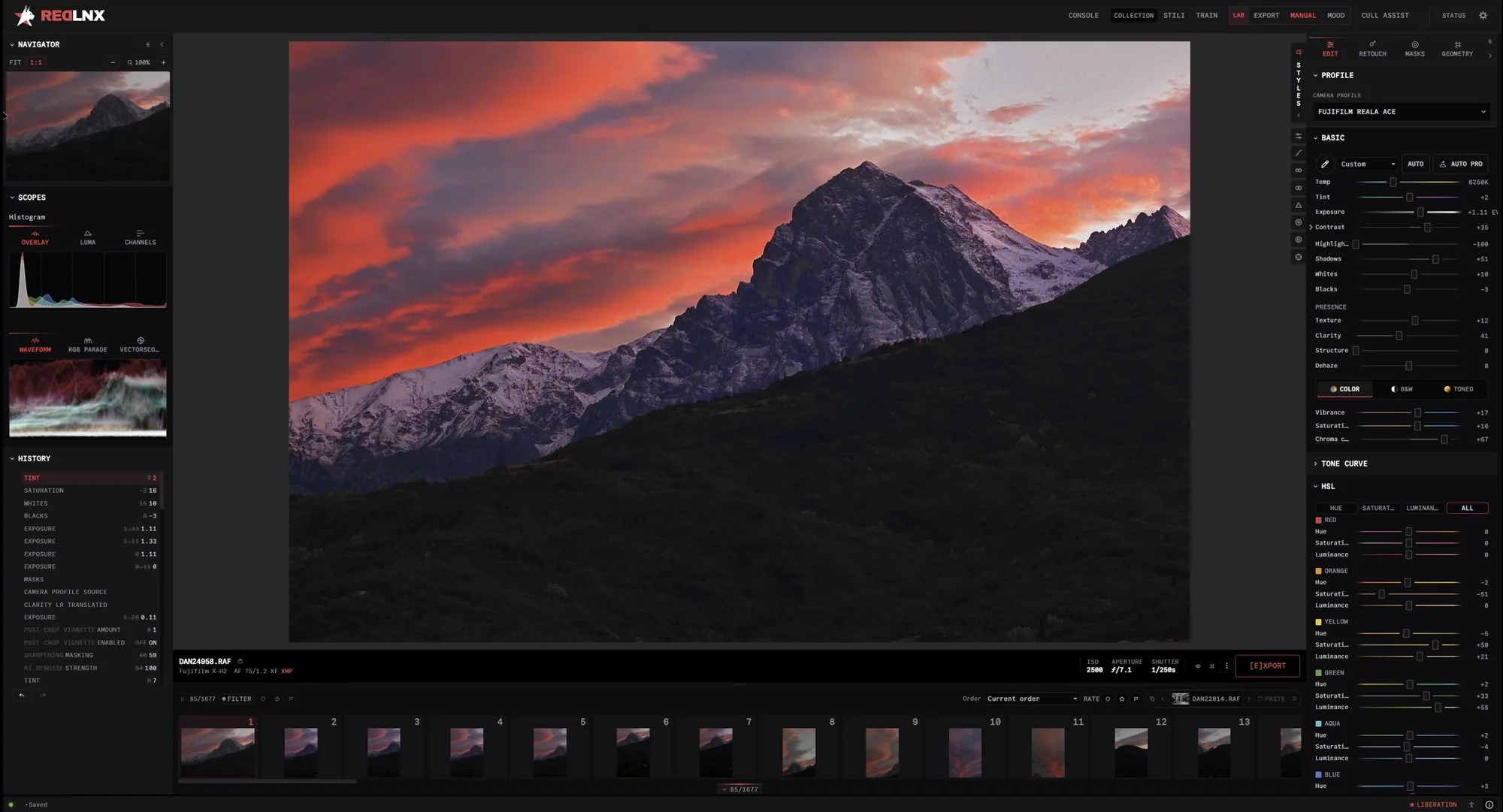
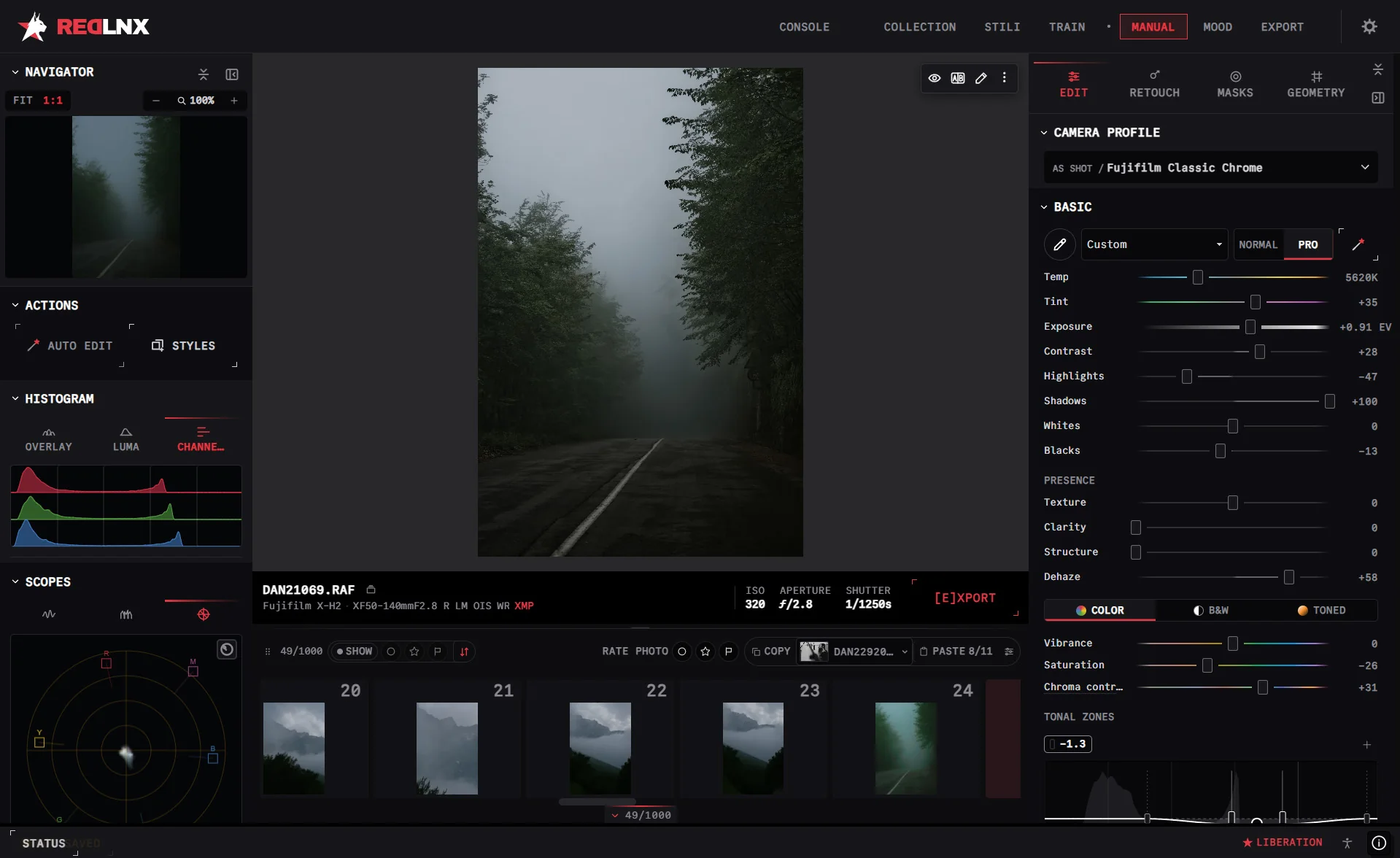
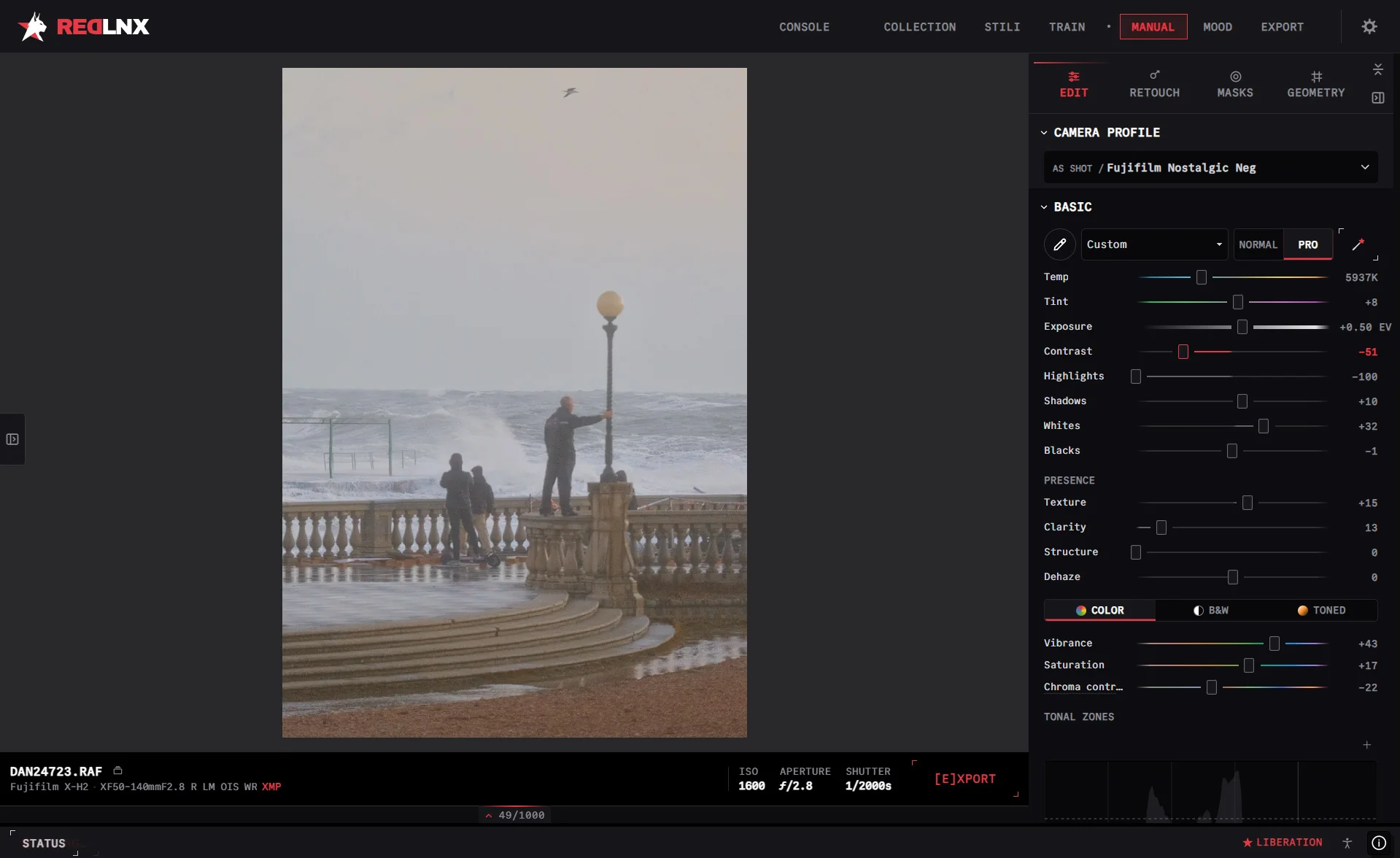
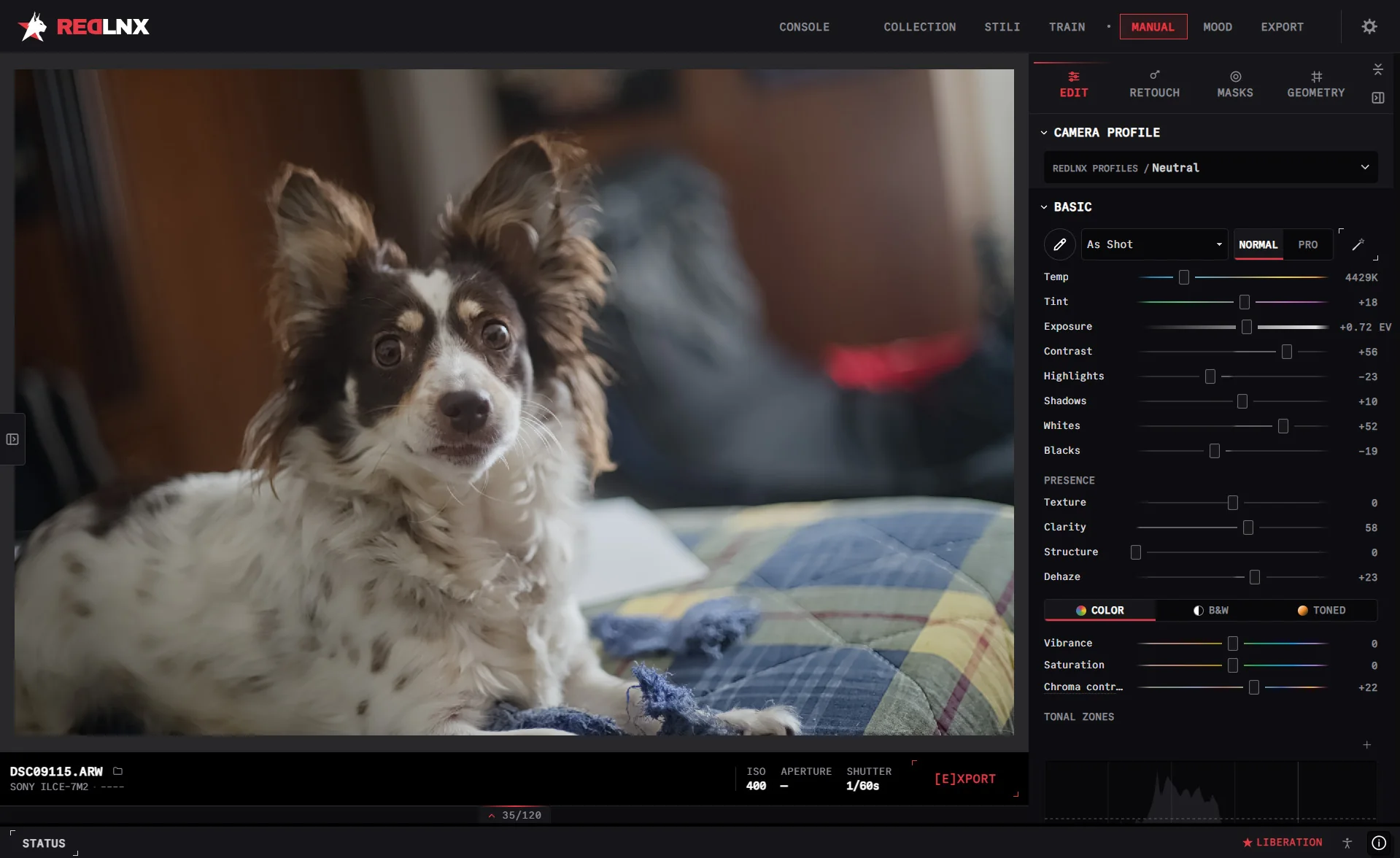
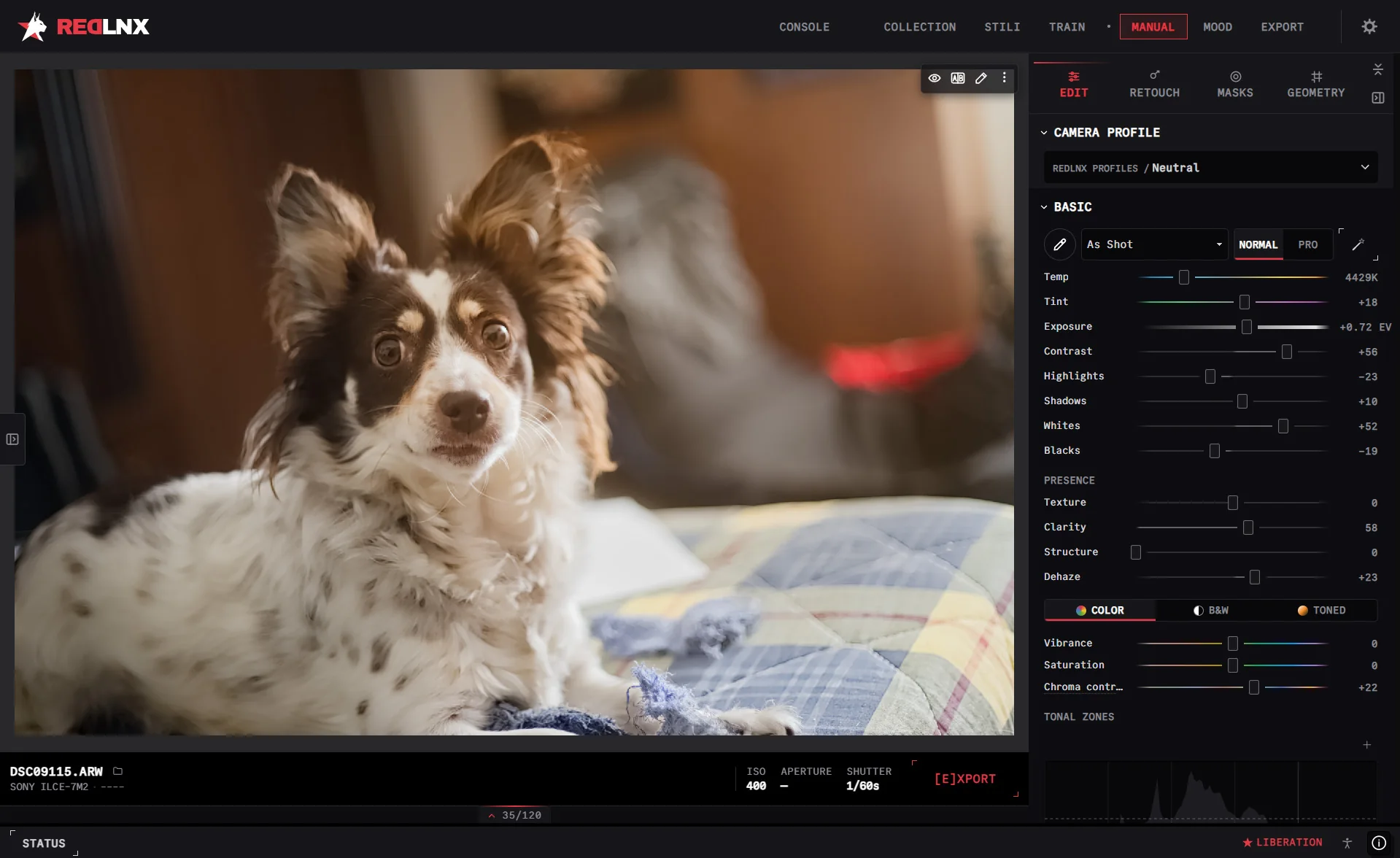
Develop your RAWs with curves, color grading, lens corrections and retouching. Read the scopes, refine the details and keep your original intact.
One slider, before and after. The fog stays where it belongs and the road comes back.
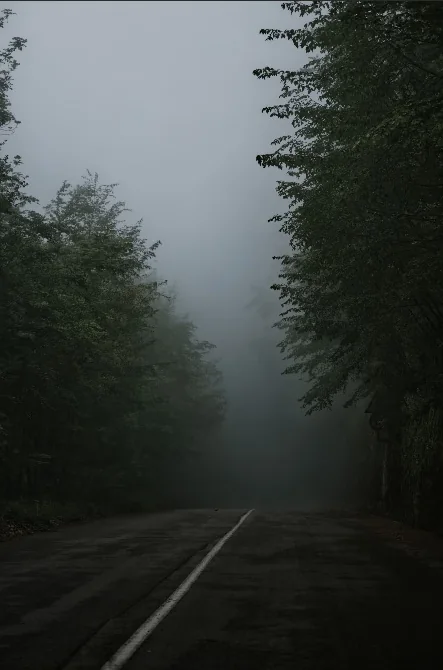
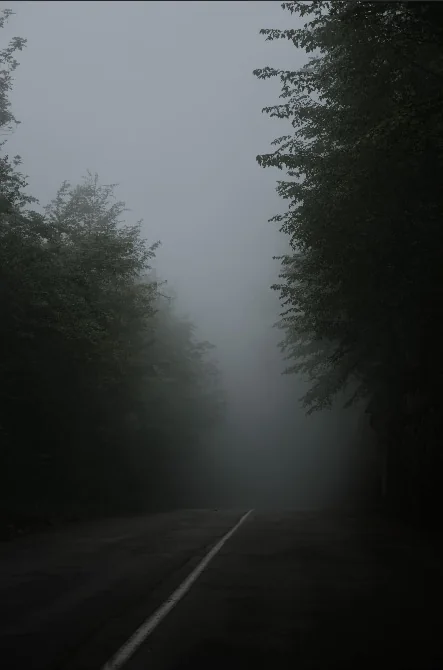
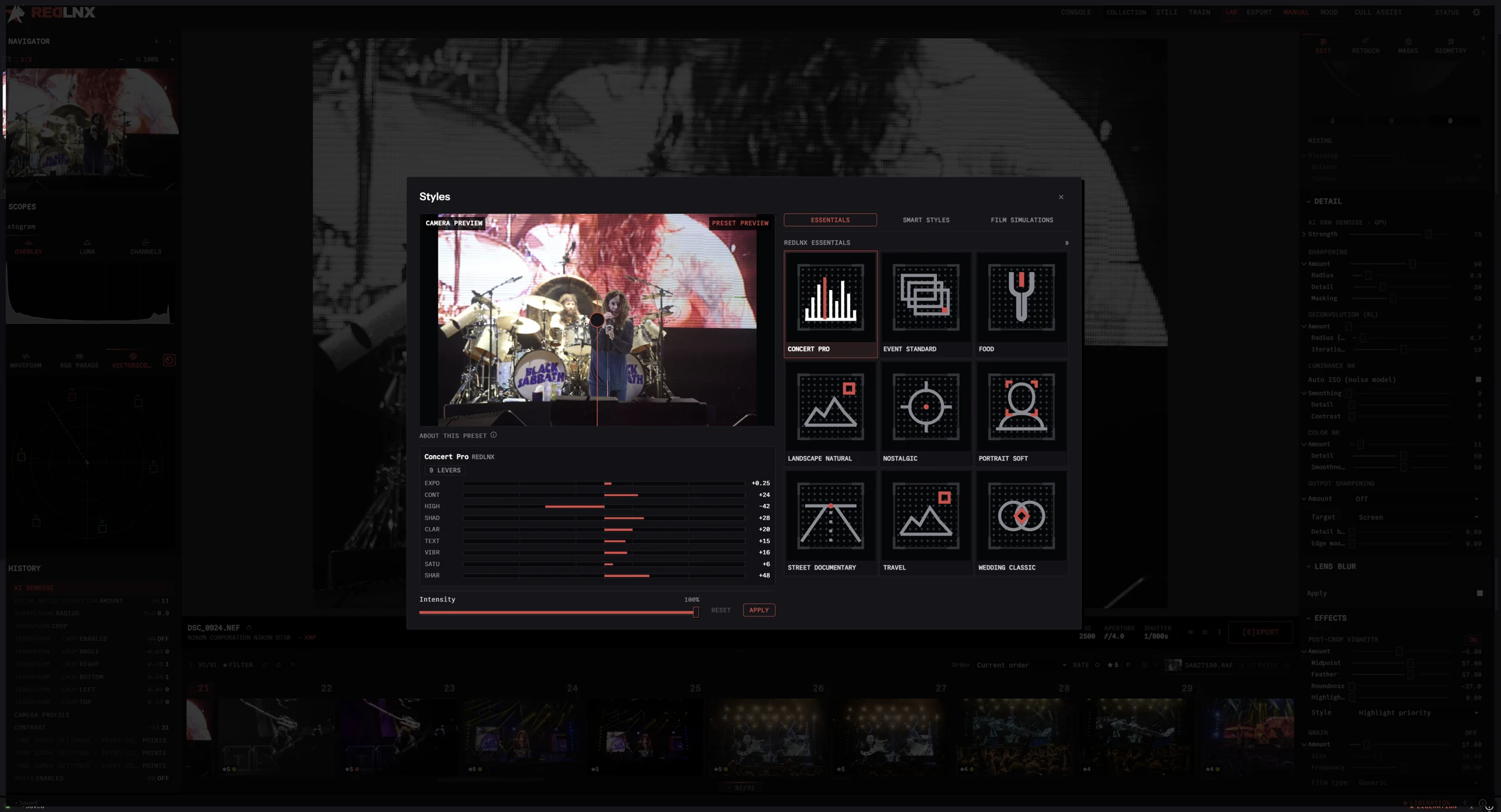
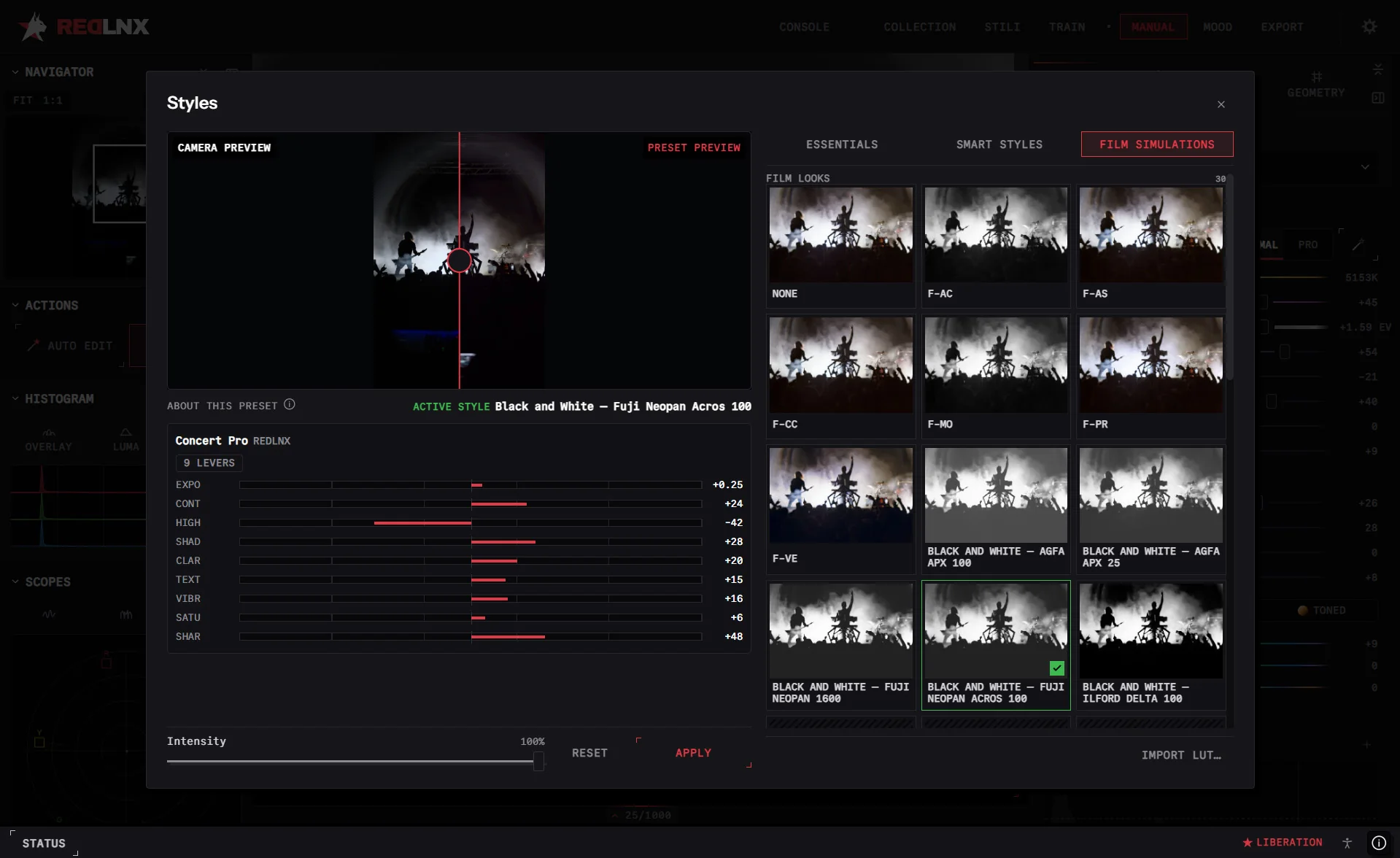
Camera profiles for your body, from the neutral ones to film-inspired looks, applied before any slider moves.
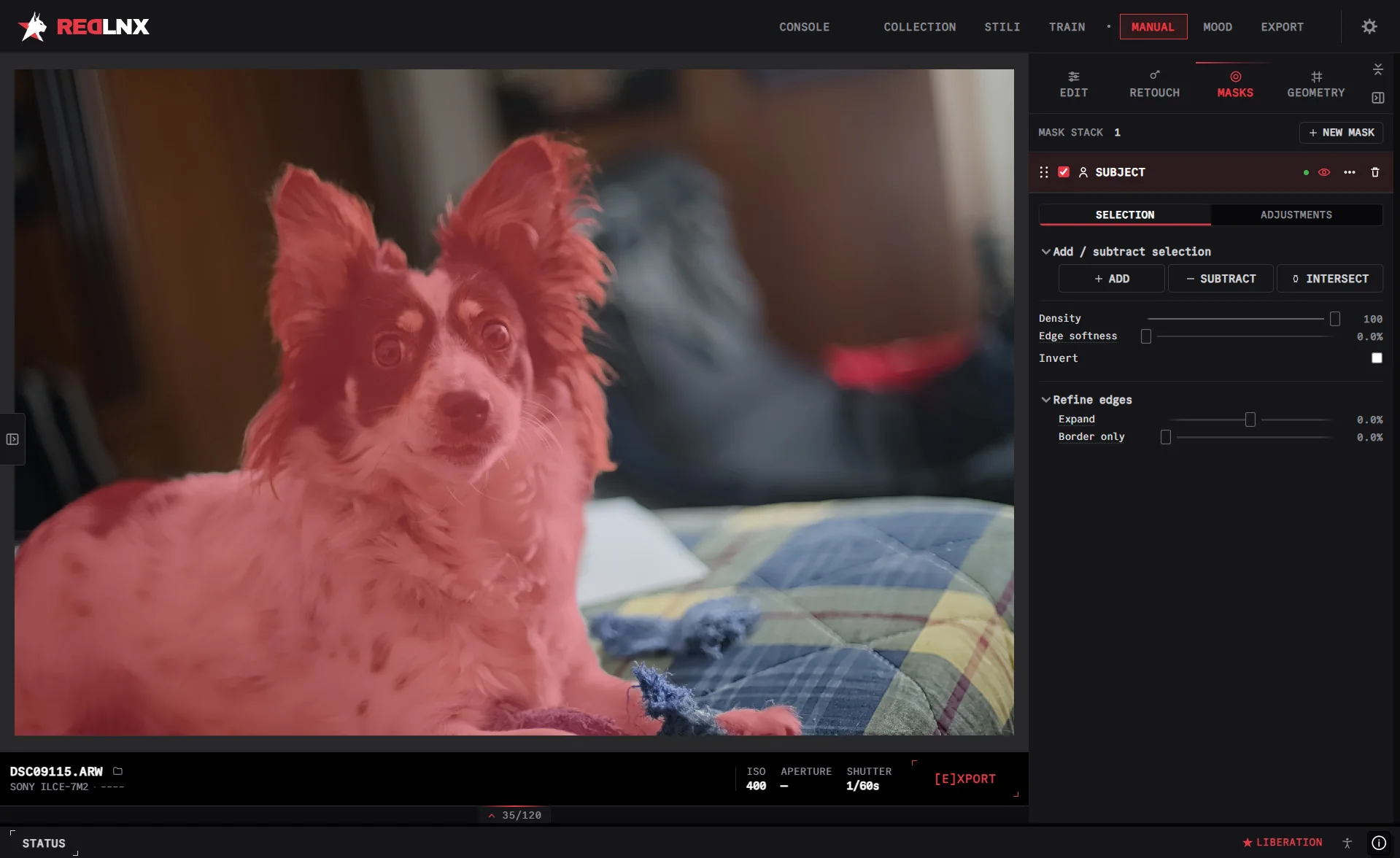
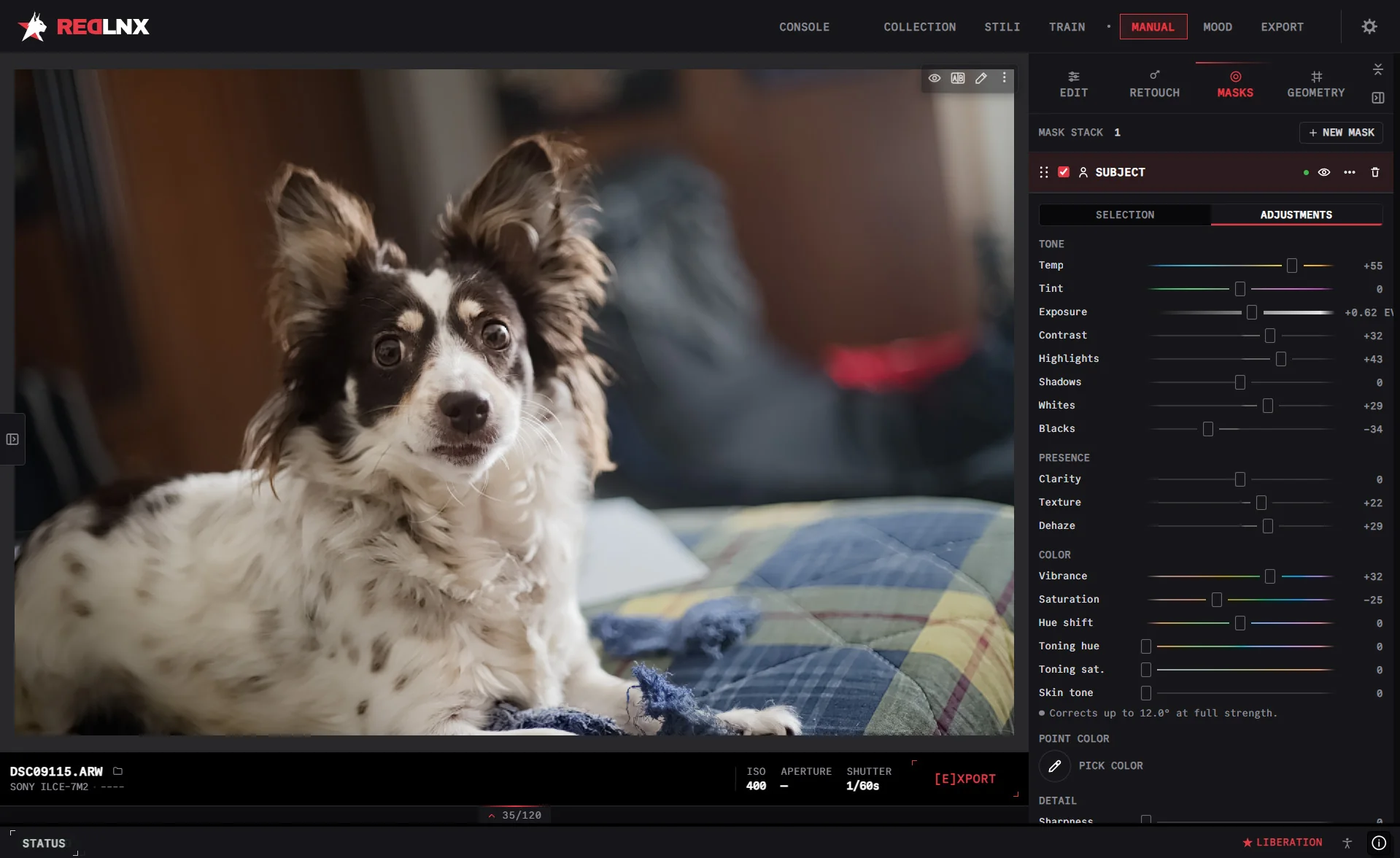
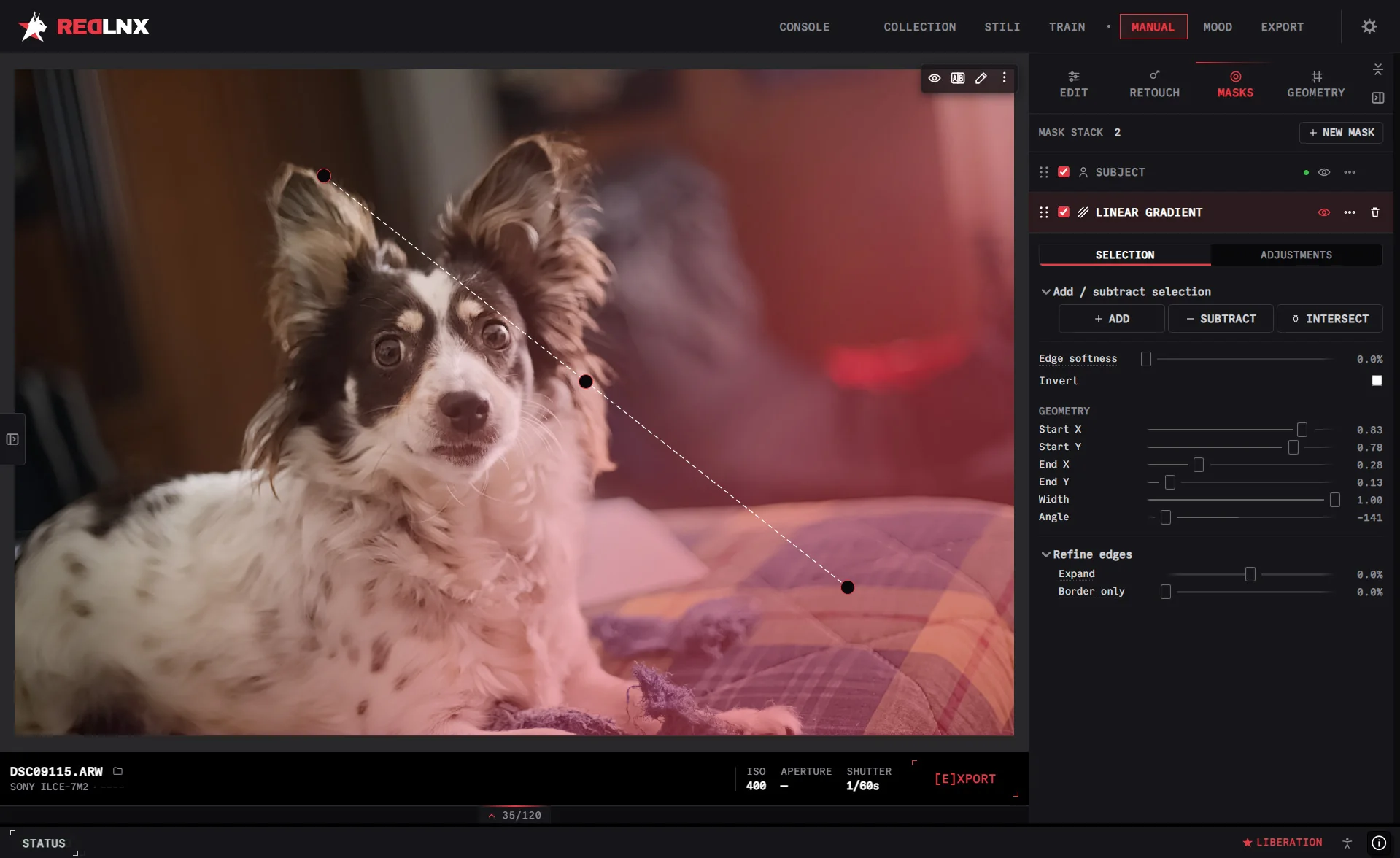
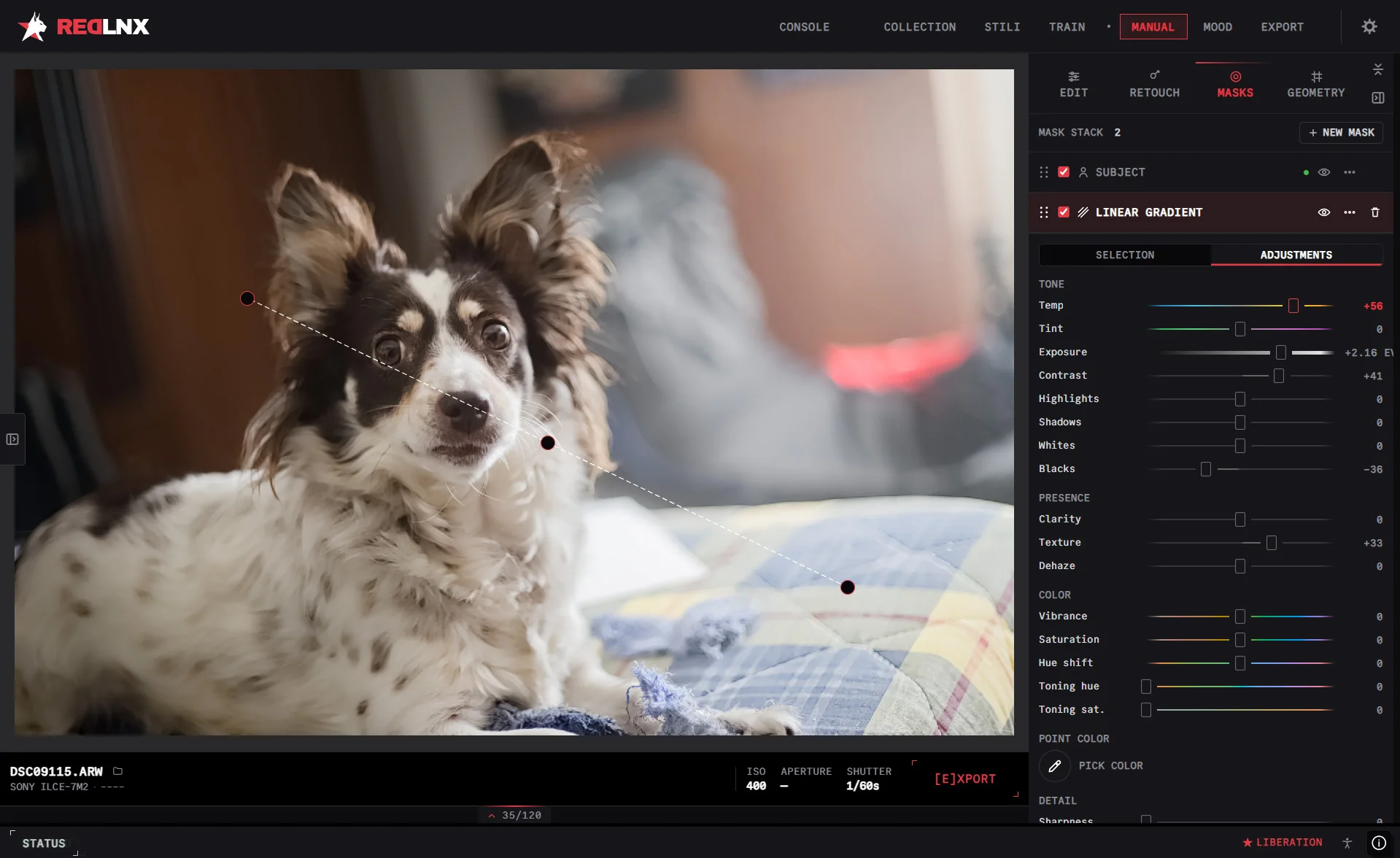
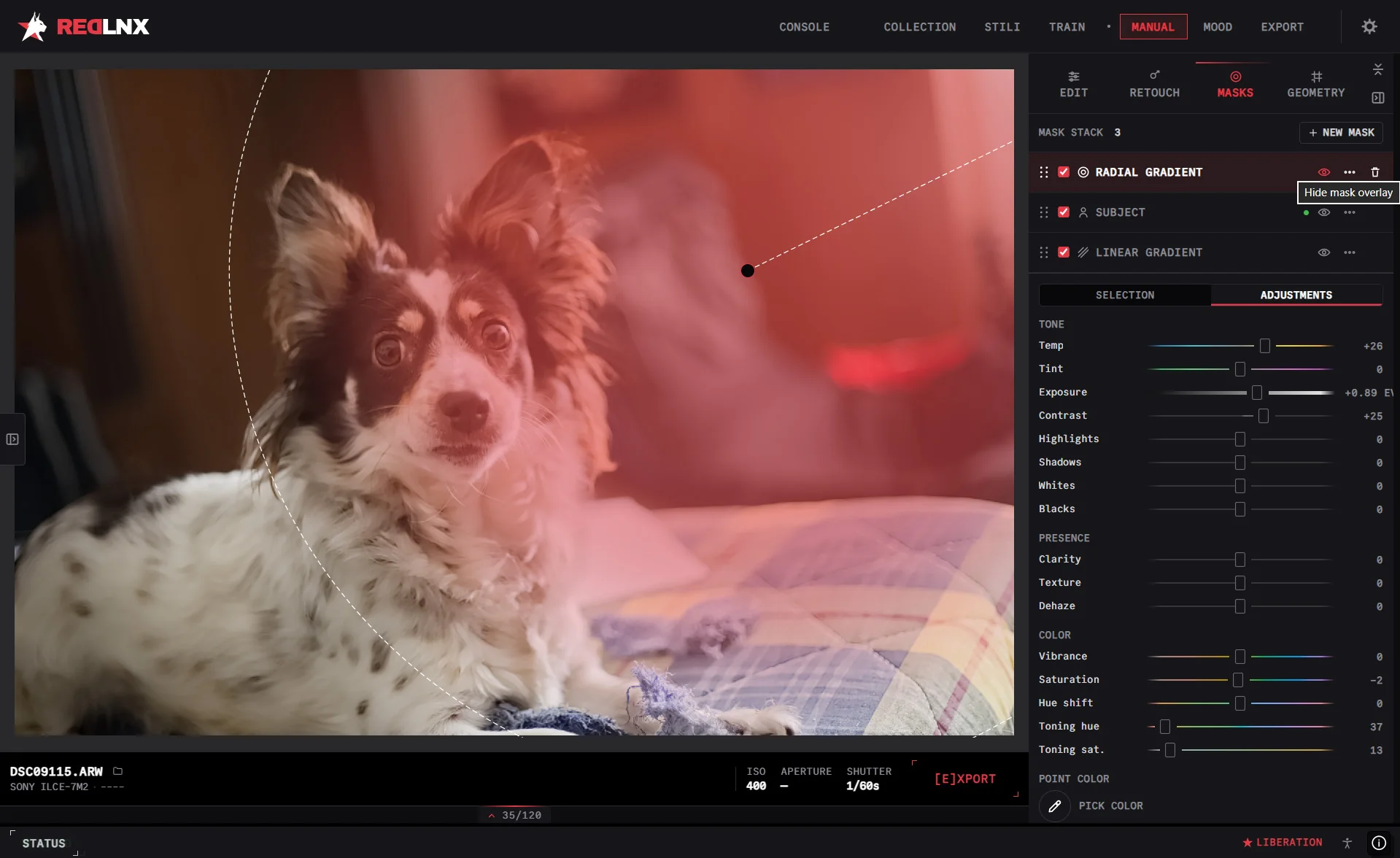
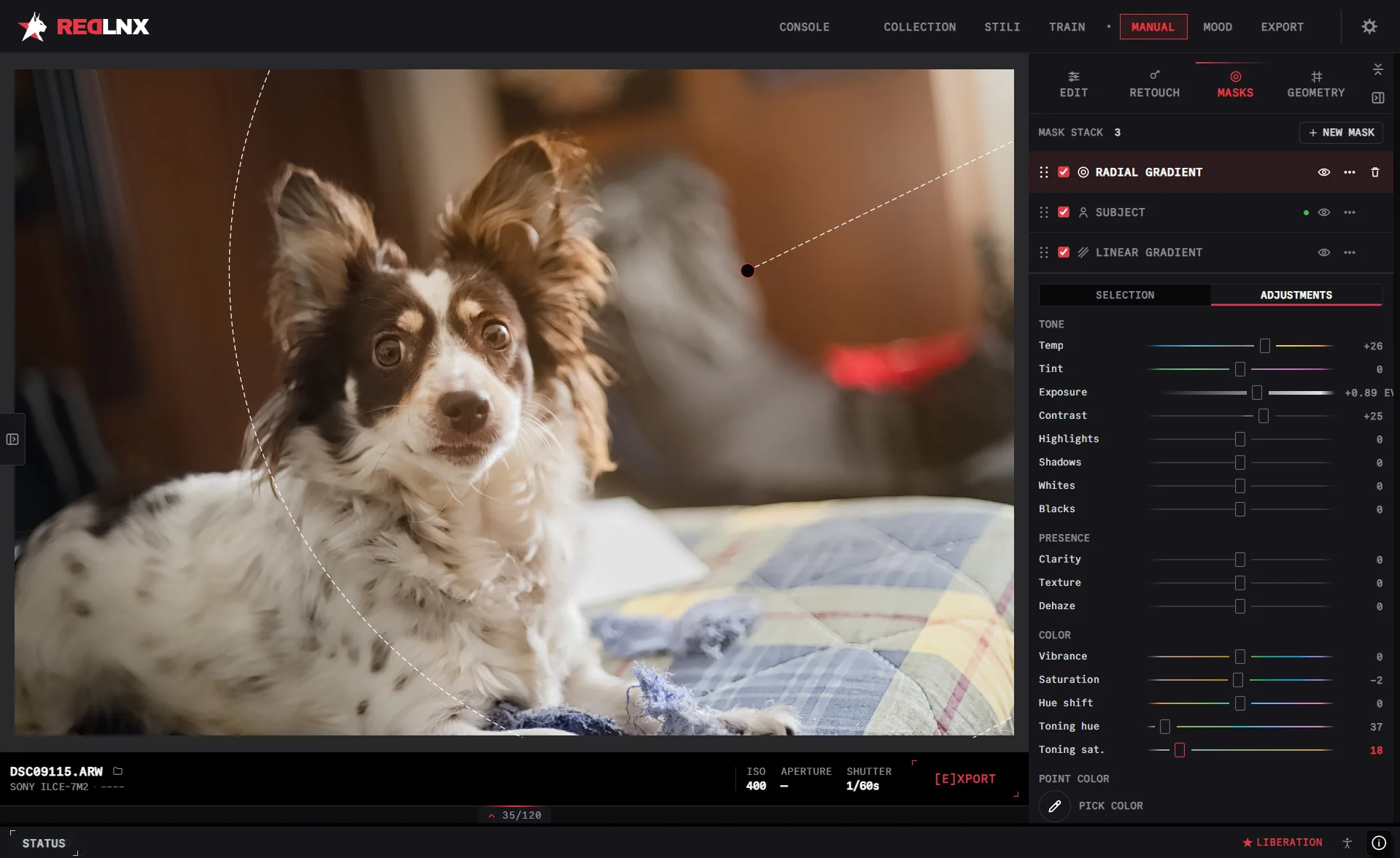
Select a subject, a person, the sky or the background. Combine selections and refine them with a brush. Give each part of the photograph its own treatment.
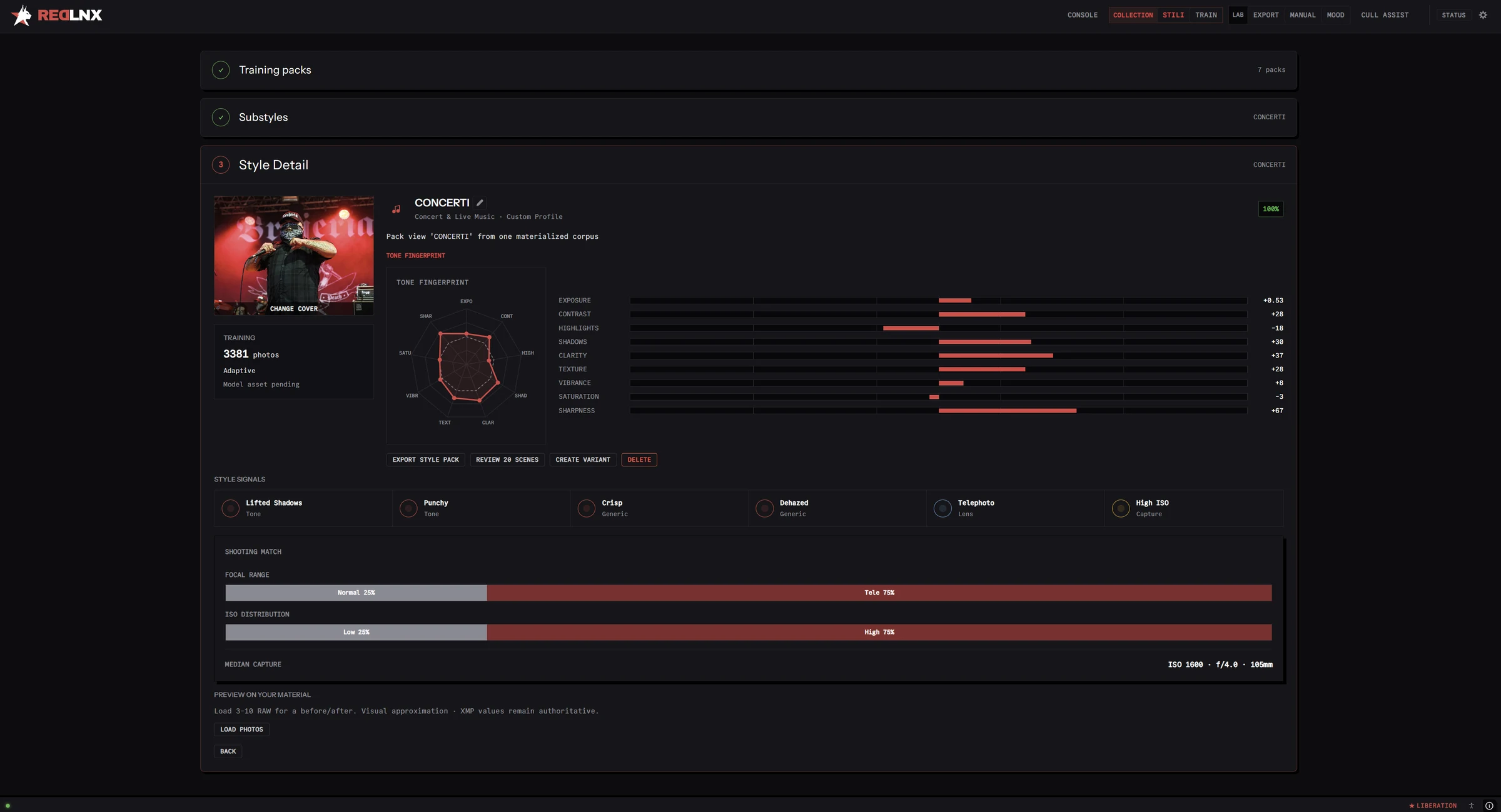
Let RedLnx learn from the edits you’ve already made. Build your own style packs, apply them across a shoot and keep control of the result.
Train from Lightroom catalogs, XMP or your RedLnx library. You can also extract a look from finished JPEGs.
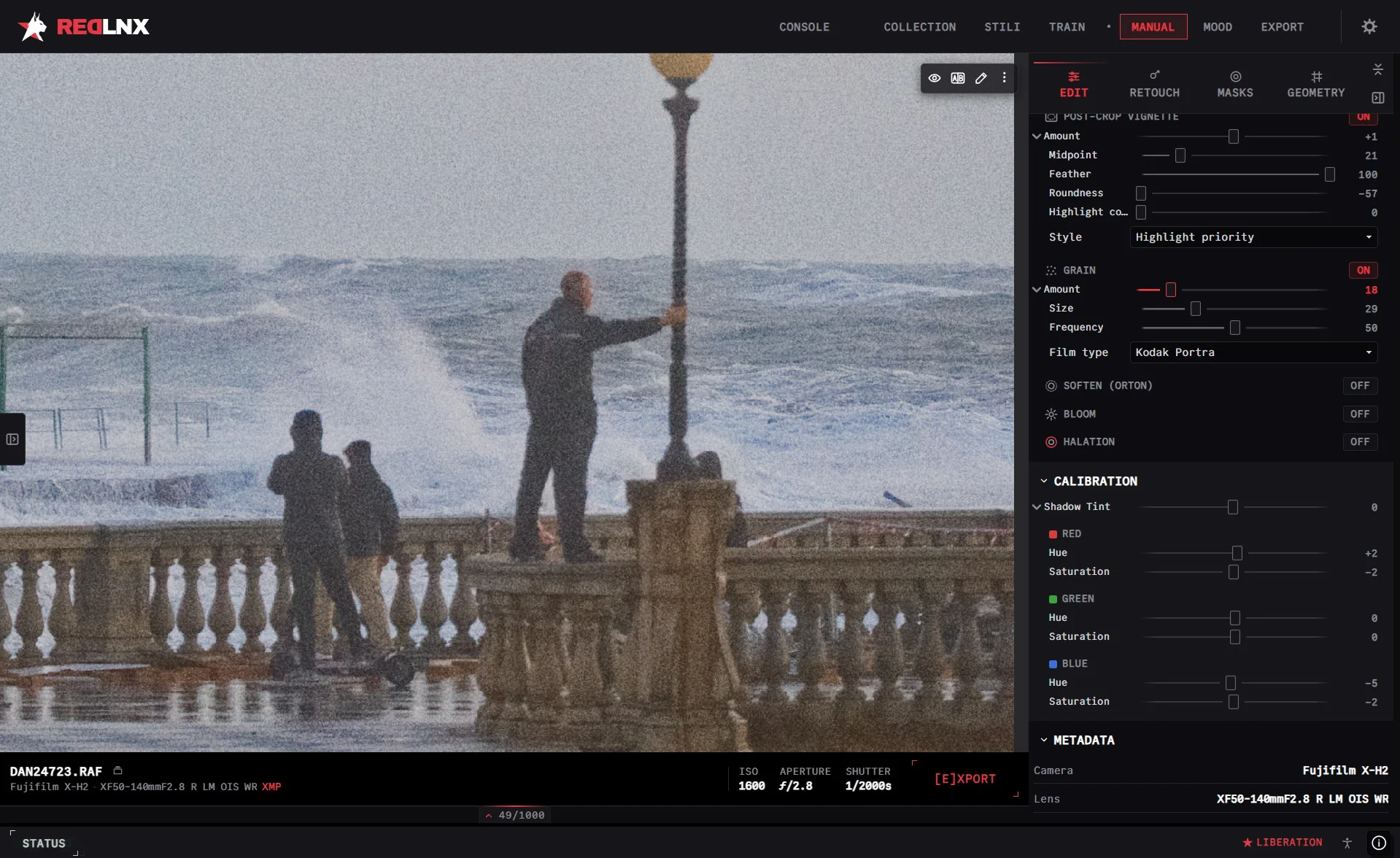
Real grain with size and frequency, post-crop vignettes, calibration for each channel. The things that make a file feel like a photograph.
Export finished photographs from the same workspace. Choose your format, save an export recipe and add your own watermark.
See what’s inside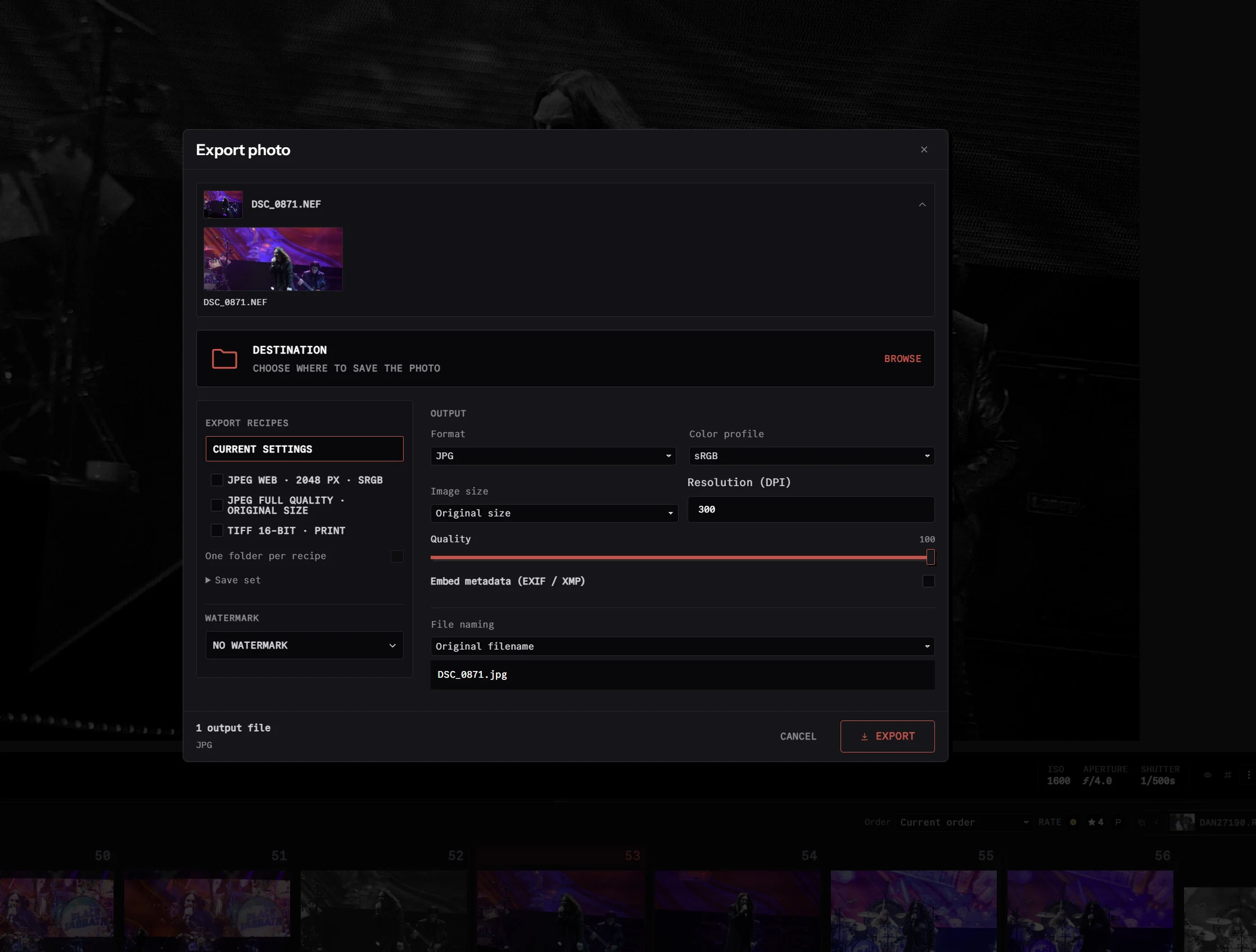
Low light is part of photography. AI RAW denoise runs on your own hardware. Three scenes, three kinds of noise.
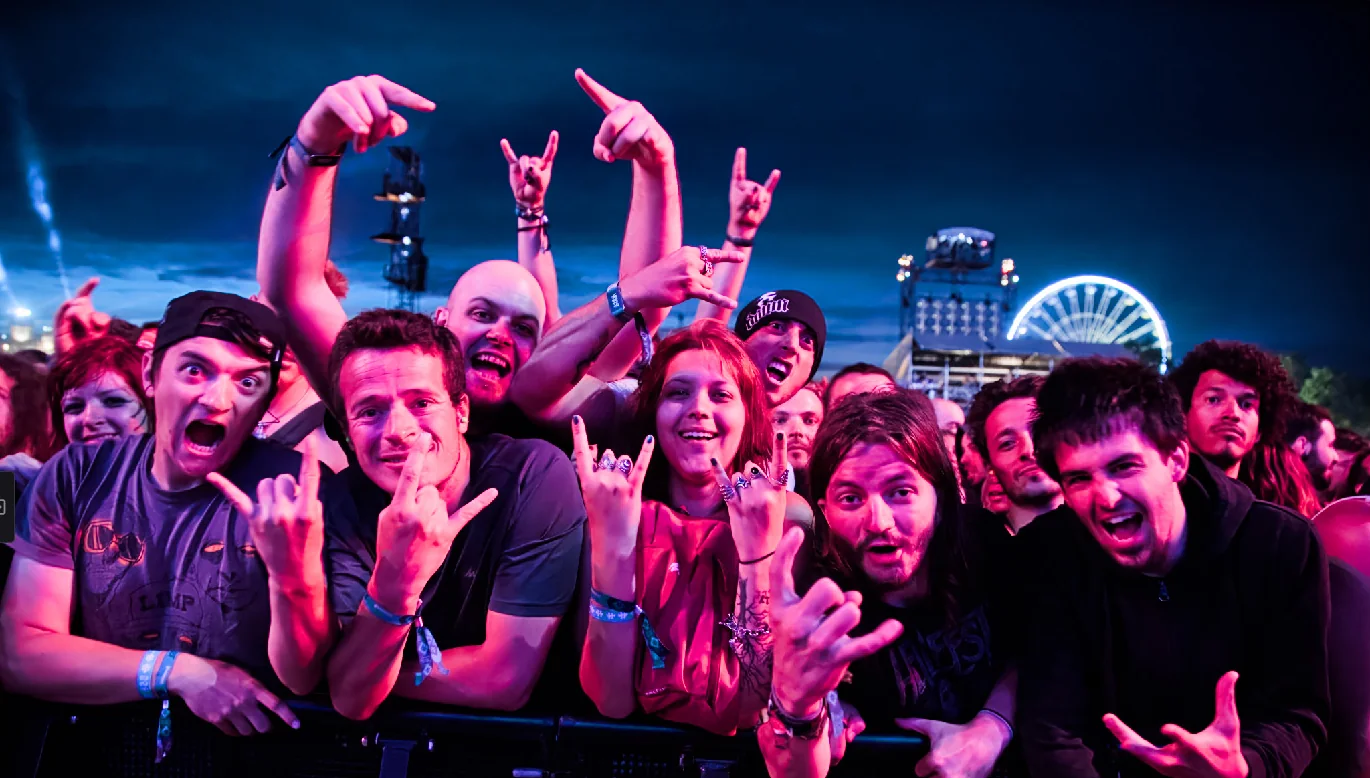
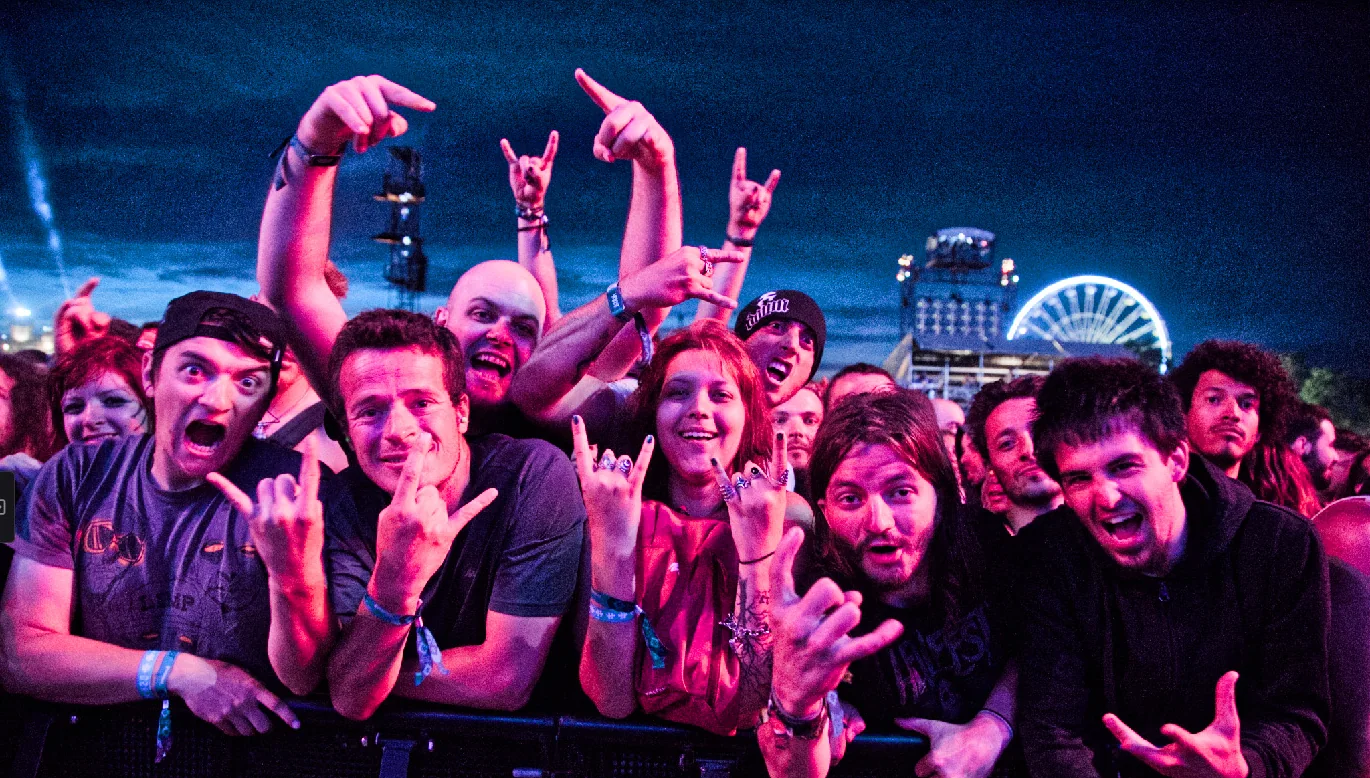
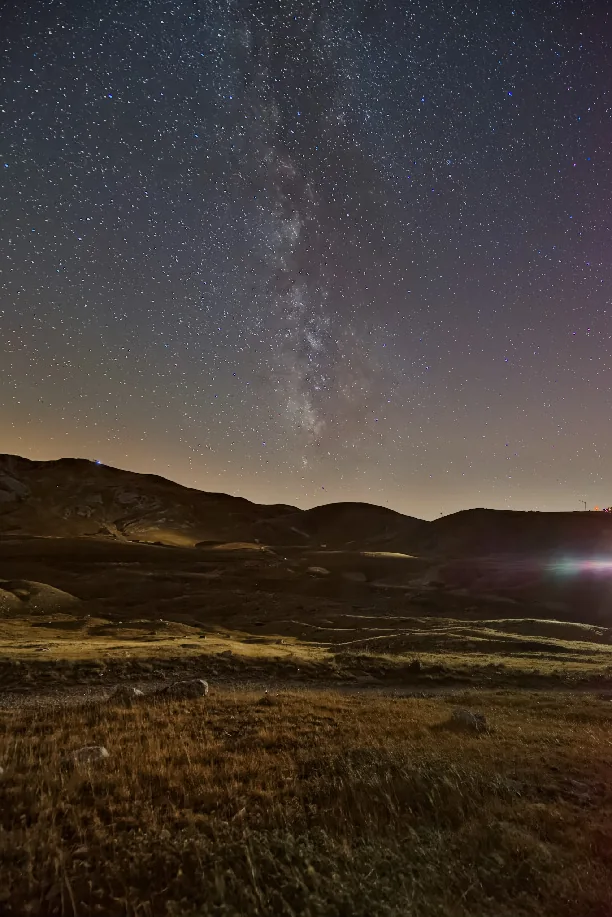
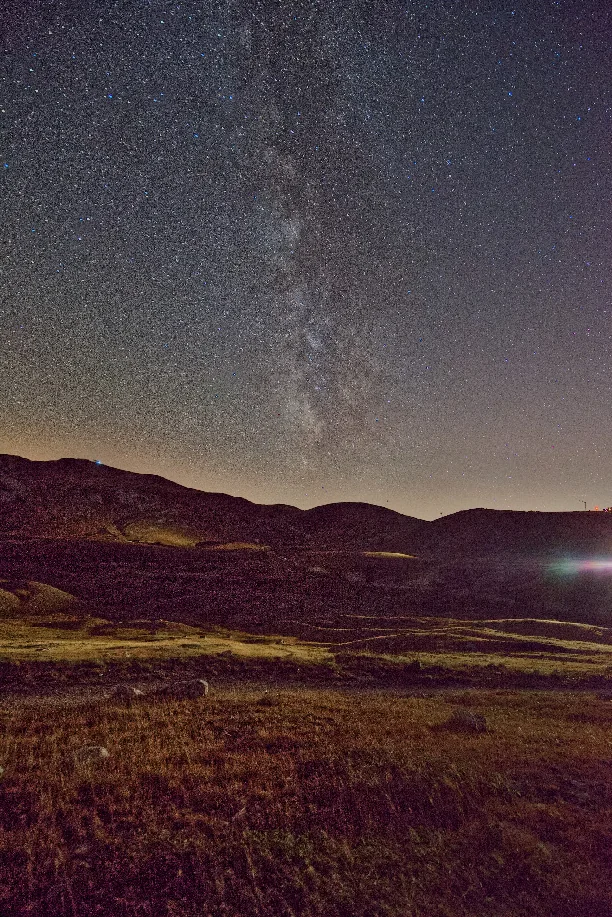
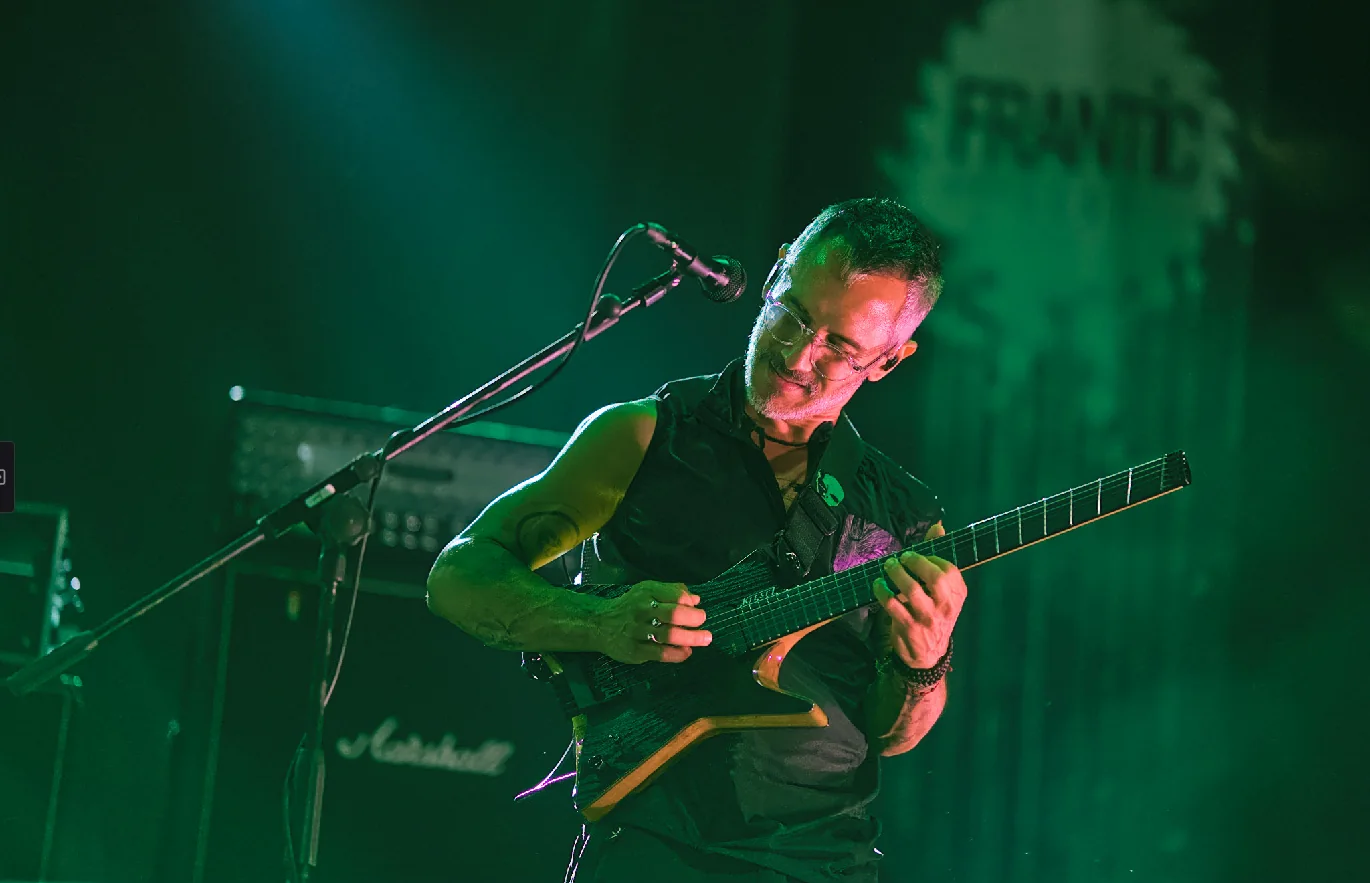
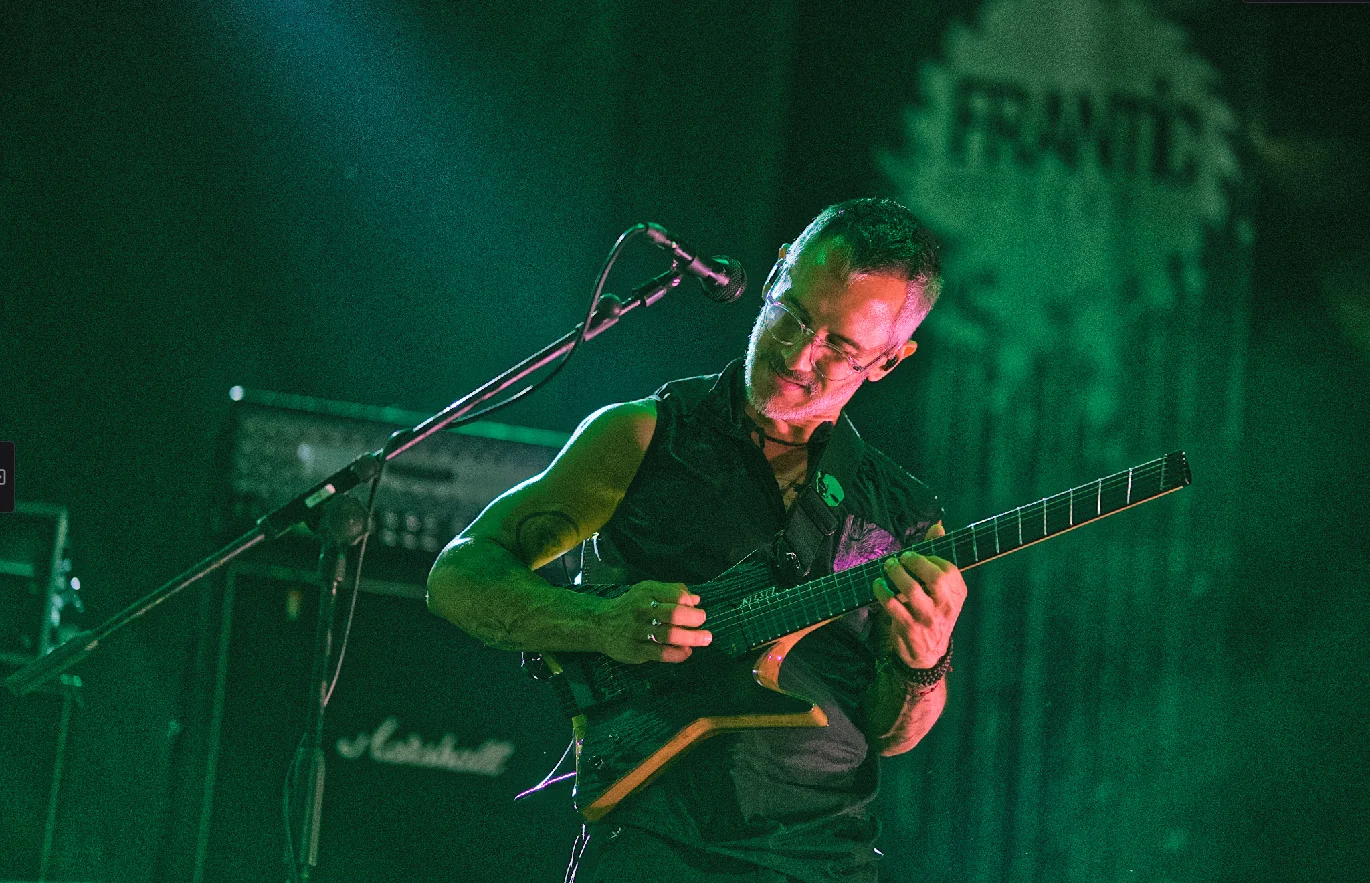
RedLnx exists because other people shared their work.
That deserves more than a footnote.
Parts of RedLnx’s photo engine are Rust ports and adaptations of darktable’s algorithms. A huge debt to the people who built them.
A vital reference for the library and local machine learning, especially its use of CLIP. Reworked for RedLnx, with gratitude for the starting point.
Built the clean way. Nothing decompiled, nothing lifted.
Open code, ported under its own license.
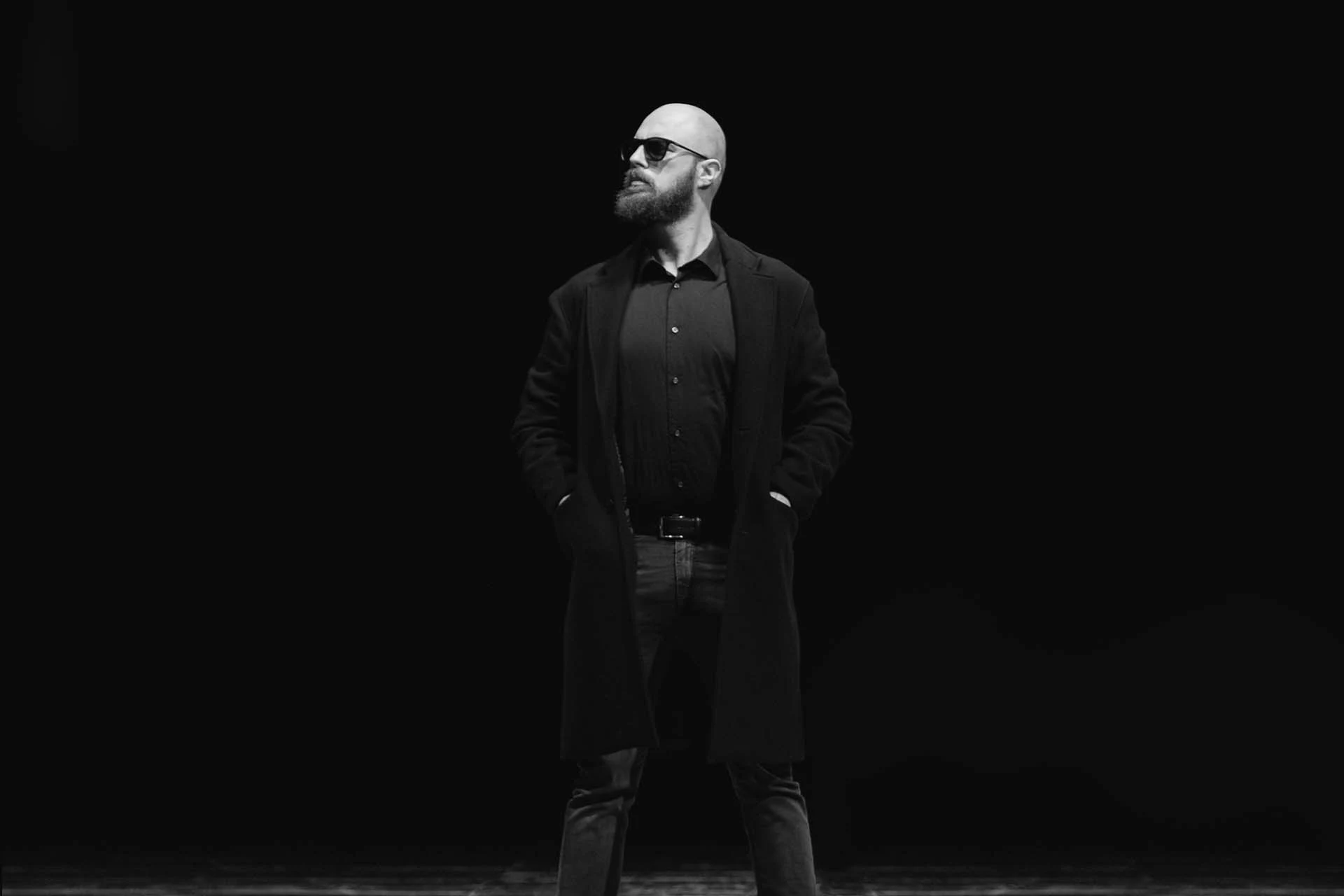
I photograph concerts, events and weddings. I’m also the person building RedLnx.
I wanted tools I could own and use for my work. So I started making them. If they’re useful to you too, that’s the point.
Meet the personPay if you want to help me keep building it.
Download it free if you don’t.
No extra features to unlock. No subscription.
Free and open source. AGPL-3.0.
€10 is a suggested one-time contribution. Choose your amount on Ko-fi.
Public downloads are being prepared for launch.
Yes. Contributing supports development. It doesn’t buy a different edition or unlock tools.
Editing, style training and AI processing run locally. There is no photo upload service or telemetry. Installing runtime components and checking for updates can require an internet connection.
RedLnx imports Lightroom Classic catalogs and XMP edits. Supported adjustments carry across; some proprietary features and render differences need review. Read about migration.
No. You can organize, edit and export your photographs directly. Training is there when you want RedLnx to learn from your previous edits.